Reconnecting After a Failed Connection: A Clean Rescan Flow
Troubleshooting
How do I reconnect after a failed connection?
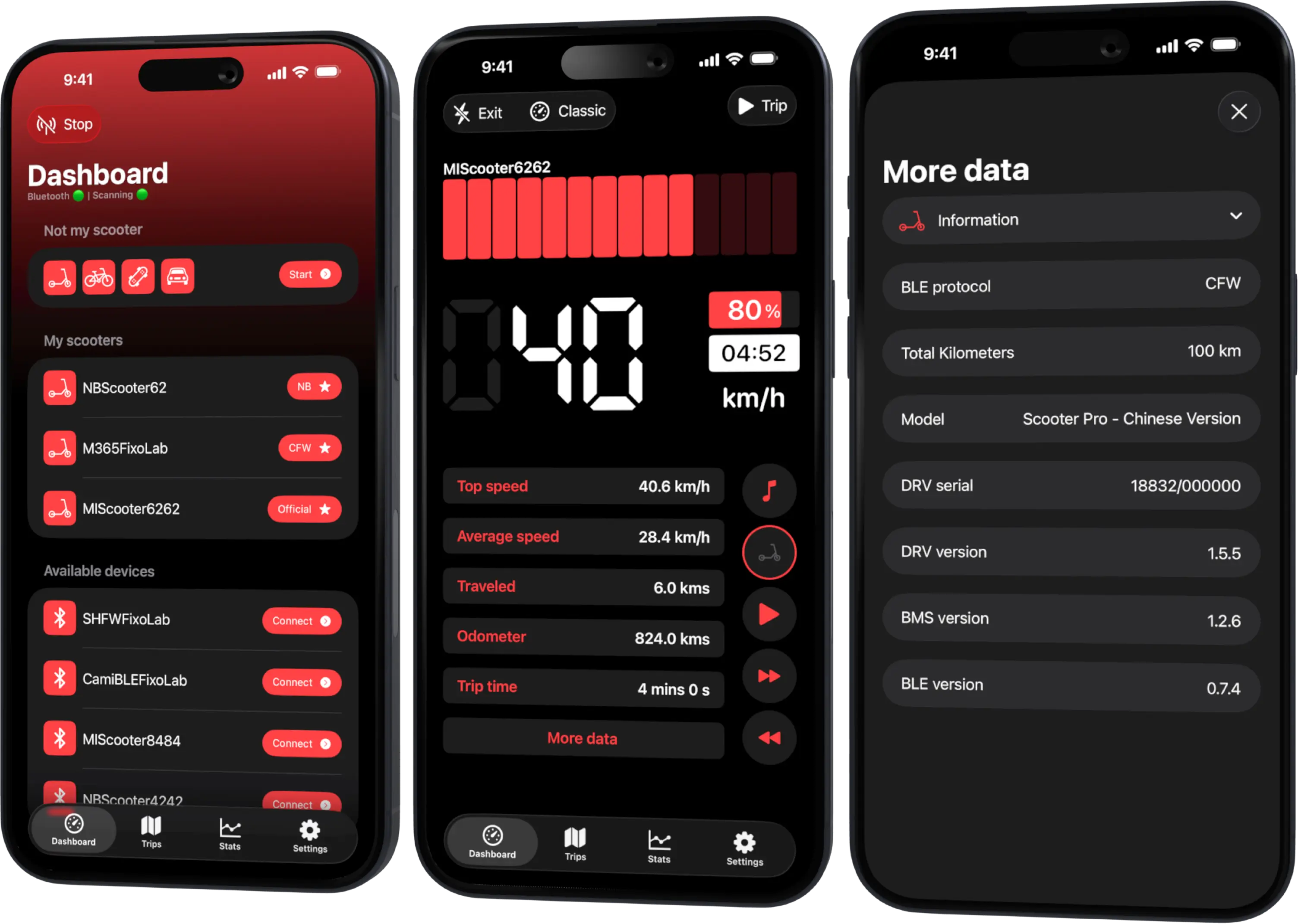
Scooter Tools is designed to return cleanly to scanning after a failed connection, without loops or technical errors — just re-scan and reselect your scooter.
Before you retry
- Bluetooth turned on and location permission granted
- The scooter powered on and nearby
Reconnecting step by step
- 1
Return to the scan screen
The app should already be back here after a failed attempt.
- 2
Re-scan
Start a fresh scan rather than assuming the previous one is still running.
- 3
Reselect your scooter
Choose it again from the updated results list.
What a clean reconnect looks like
- No repeated scan/disconnect loops
- No raw technical error messages shown to you
- A fresh connection releases and re-establishes cleanly
Good to know
- Closing the app fully releases the connection so a new launch can reconnect properly
- Very unstable Bluetooth environments (interference, distance) can cause repeated drops unrelated to the app
If reconnecting keeps failing
The same scooter keeps failing to reconnect
Power-cycle the scooter, move closer, and try again; if it persists, check the compatibility table for any known limitation on your firmware.
Frequently asked questions
Do I need to force-quit the app after a failed connection?
No, a normal re-scan from the scan screen should be enough.
Does a failed connection affect my saved trip history?
No, previously recorded trips aren't affected by a later failed connection attempt.
Recent posts
Confirm your model is verified
Check your exact scooter and firmware in the compatibility table.
Your Xiaomi and Ninebot scooter dashboard
Monitor speed, battery, mileage, temperature and routes in real time, with support for official and custom firmware
Available on Android, iPhone, iPad and Mac, with Wear OS support and iCloud sync on Apple devices