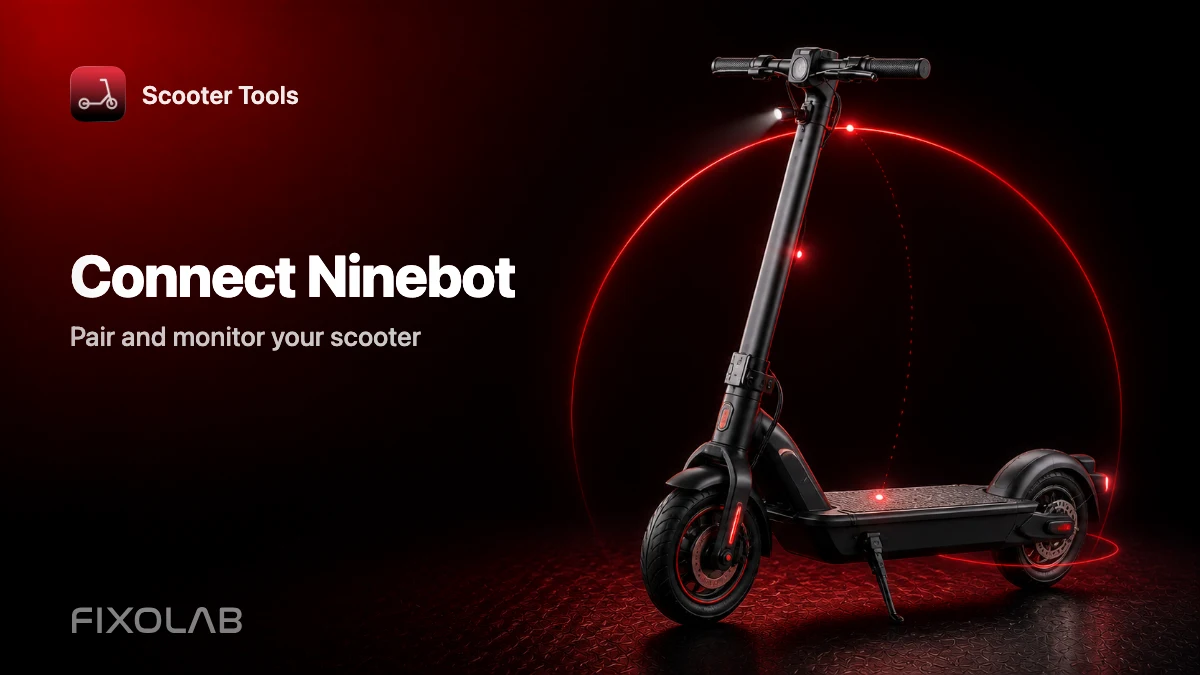
How to Connect and Monitor a Compatible Ninebot Scooter
Connection guide
How do I connect and monitor a compatible Ninebot scooter?
Open Scooter Tools, scan, select your Ninebot scooter, and confirm pairing if prompted. Connection takes under a minute and needs no Ninebot or Segway account.
Before you start
- A verified Ninebot model (see the compatibility table)
- Bluetooth and location permission enabled on your phone
- Scooter Tools installed on iOS or Android
- The scooter powered on and within Bluetooth range
Step-by-step connection
- 1
Power on your scooter
Make sure the display or indicator light is active before scanning.
- 2
Open Scooter Tools and start a scan
The app lists nearby compatible scooters as it finds them.
- 3
Select your Ninebot scooter from the list
It's identified by its model once Scooter Tools reads the initial Bluetooth handshake.
- 4
Confirm the pairing prompt on the scooter, if shown
Some models show a one-time confirmation on their own display.
- 5
Check your live dashboard
Speed, battery, estimated range and ride mode should update within a couple of seconds.
What you'll see right away
- Live speed and battery percentage
- Estimated range for the current battery level
- Current ride mode
- Trip history saved locally on your phone
Good to know
- Exact fields available can vary slightly between Ninebot models
- Very recent models may take some time to get fully verified
- Scooter Tools doesn't change any settings on the scooter during pairing
Troubleshooting
The scooter doesn't appear in the scan
Confirm Bluetooth and location permissions are granted and that the scooter is powered on and nearby. Move closer and re-scan.
The connection drops during a ride
Reopen Scooter Tools and scan again; it reconnects cleanly without needing to restart the scooter.
My Segway-badged scooter isn't recognized
Segway and Ninebot share the same hardware under different branding. Check the compatibility table by model number rather than badge name.
Local only, by design
This entire connection happens directly between your phone and the scooter over Bluetooth. No account, no cloud step, and no data about your scooter or rides is required to make the pairing work.
Frequently asked questions
Do I need the Ninebot or Segway app too?
No, Scooter Tools connects independently and doesn't require the manufacturer's app to be installed.
Can I connect more than one Ninebot scooter?
Yes, Scooter Tools can remember and switch between multiple saved scooters.
What if my exact model isn't listed yet?
Check the compatibility table — new verified models are added as they're tested.
Check full Ninebot compatibility
See every verified Ninebot model and firmware combination.
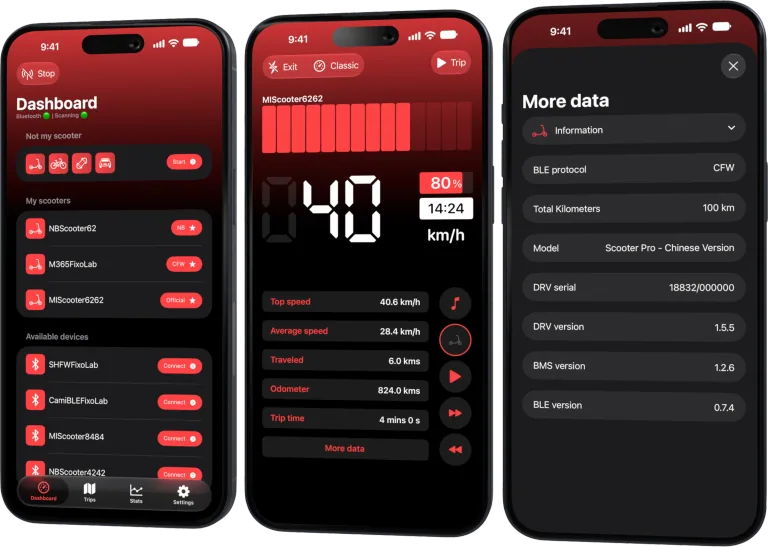
Your Xiaomi and Ninebot scooter dashboard
Monitor speed, battery, mileage, temperature and routes in real time, with support for official and custom firmware
Available on Android, iPhone, iPad and Mac, with iCloud sync on Apple devices
| FixoLab
Quick Start Guide (For Xiaomi and Ninebot owners)
A five-minute Xiaomi and Ninebot quick start: scan, connect, let Scooter Tools detect Official, CFW or NB, and verify the live dashboard.
| FixoLab
Connect a Xiaomi Scooter on Official Firmware to Scooter Tools
How to pair a Xiaomi or Mi Electric Scooter running Official firmware with Scooter Tools over Bluetooth — no Mi account needed.
| FixoLab
A Complete Walkthrough for Setting Up Scooter Tools for the First Time
How to set up Scooter Tools for the first time: install the app, grant Bluetooth and location permissions, scan for your scooter and connect: no account required.
| FixoLab
What Custom Firmware (CFW) Changes for Monitoring in Scooter Tools
Understand what CFW (custom firmware) means for Scooter Tools monitoring and compatibility — it only reads data, it never installs or modifies firmware.