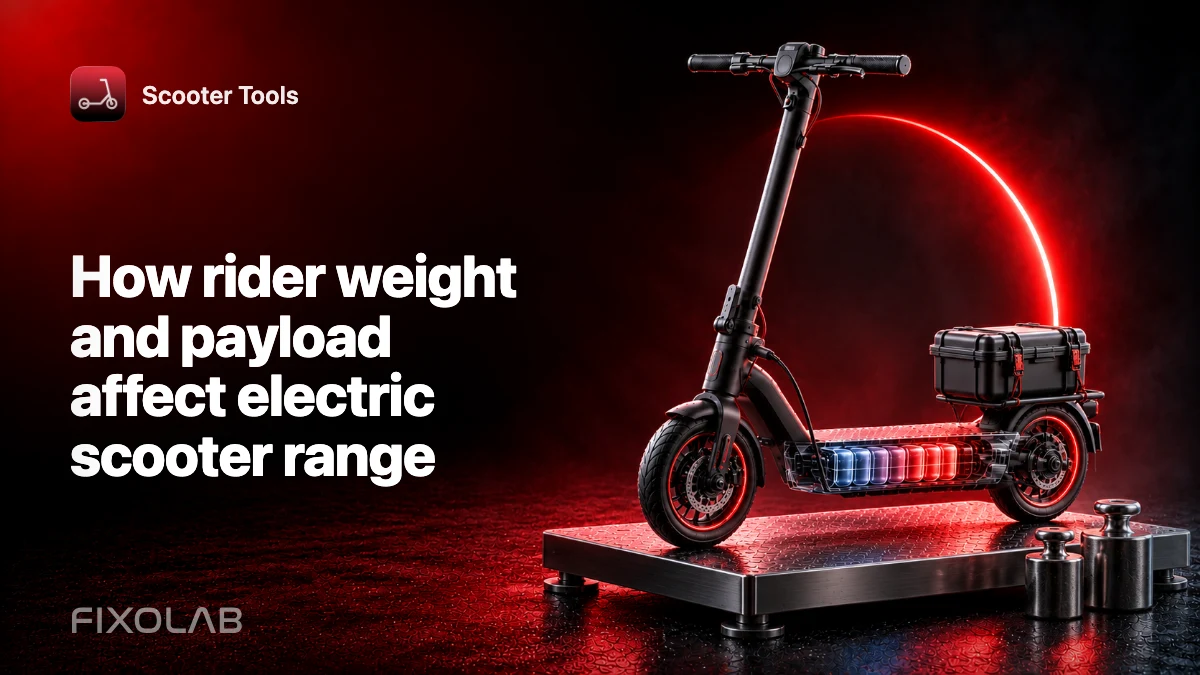
How rider weight and payload affect electric scooter range
The scooter moves the combined mass of the vehicle, rider, clothing, lock, bag and cargo. More mass requires more energy during acceleration and climbing, increases tire load and can lengthen stopping distance.
The manufacturer’s maximum payload is a structural and operating limit, not a recommended target and not a promise of advertised range at that mass.
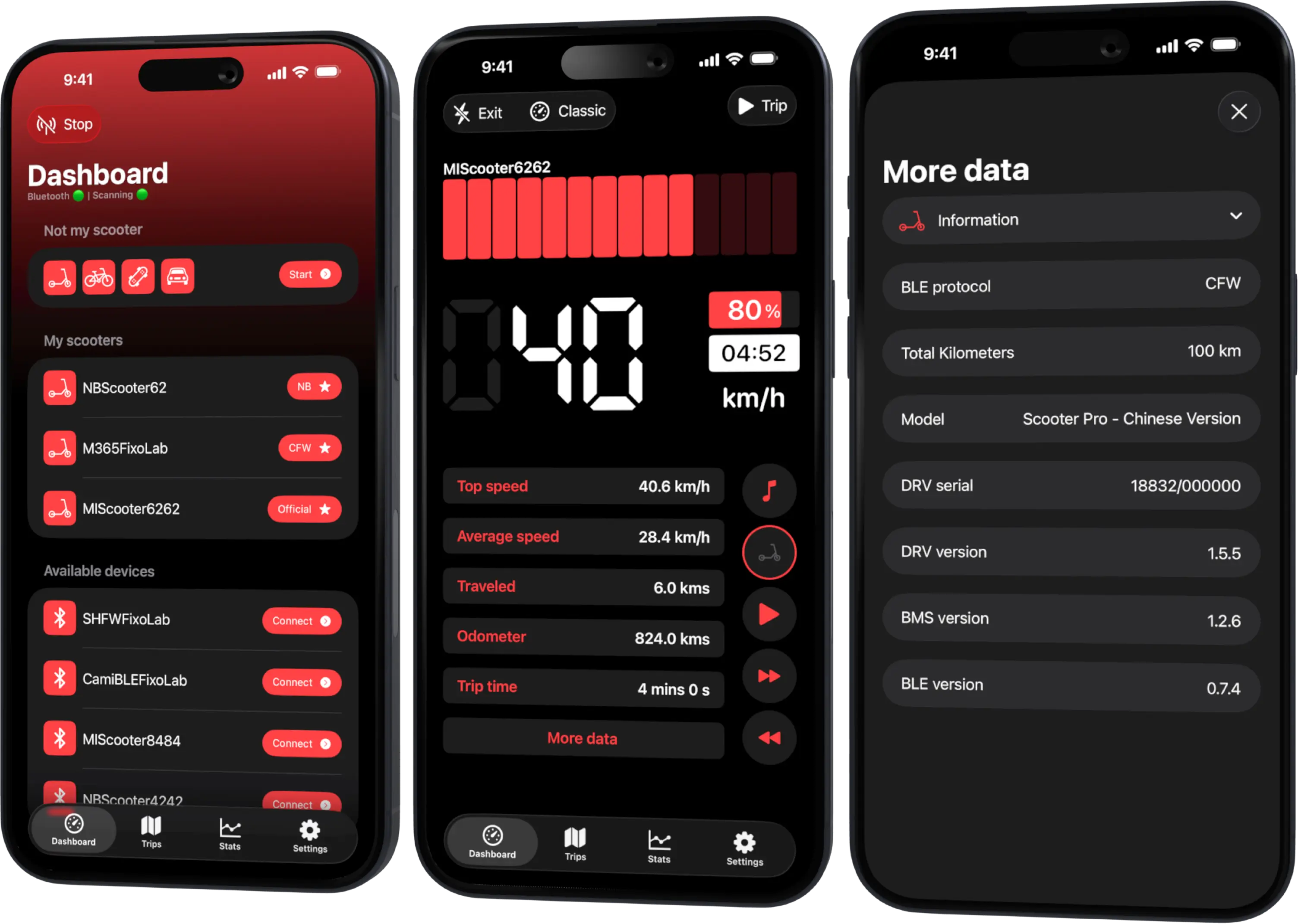
Your Xiaomi and Ninebot scooter dashboard
Monitor speed, battery, mileage, temperature and routes in real time, with support for official and custom firmware
Available on Android, iPhone, iPad and Mac, with Wear OS support and iCloud sync on Apple devices
Where mass changes consumption
On flat ground at steady speed, aerodynamic drag can dominate. In repeated starts and hills, mass becomes more important because the motor repeatedly accelerates or lifts it.
That is why two riders may see similar consumption on a calm flat path but very different results on a hilly urban route.
Count the complete payload
Include everything carried on the scooter:
- rider with normal clothing and safety equipment;
- backpack or delivery bag;
- locks, tools and accessories;
- any cargo permitted by the manufacturer.
Do not hang loads where they interfere with steering, brakes or folding parts. Never carry a passenger unless the scooter is specifically designed and legally approved for it.
Tires and pressure
Higher load changes tire deflection. Use the manufacturer-approved pressure guidance for the model and load; do not exceed vehicle or tire limits. Inspect for sidewall deformation, rim impacts and repeated pressure loss.
Solid tires avoid air pressure but still have load and structural limits.
Braking and handling
Additional mass carries more kinetic energy at the same speed. Leave more stopping distance and keep the center of mass stable. A high or moving bag can affect steering more than its weight alone suggests.
Verify that cargo cannot touch a wheel, cable, light or brake. Test low-speed handling in a safe area before entering traffic.
Compare range fairly
Use Scooter Tools to record compatible trips with the same route, mode and conditions. Note total payload rather than personal details. Compare several trips and keep temperature, wind and tire pressure as consistent as possible.
Do not calculate a universal “kilometers lost per kilogram.” Route shape, speed and scooter design change the relationship.
Stay within documented limits
Exceeding payload can affect the frame, stem, folding mechanism, axles, brakes, motor and battery. Protective electronics do not make overloading safe.
If performance is inadequate within the approved limit, choose a route or vehicle designed for the requirement rather than modifying firmware or forcing repeated thermal limits.
A practical planning method
- Add rider, equipment and cargo.
- Confirm the total is below the exact model limit.
- Set approved tire pressure.
- Choose a conservative mode and route.
- Keep more battery and braking reserve.
- Compare the result over several normal rides.
Combine this with how hills affect scooter range when the route climbs.
Frequently asked questions
Does maximum payload guarantee normal range?
No. It is a limit, not a range-test condition or performance promise.
Does a backpack count?
Yes. Count all mass carried by the scooter.
Can I compensate by increasing tire pressure above the limit?
No. Stay within the approved pressure range for the scooter and tire.
Can Scooter Tools weigh the rider?
No. Record only the approximate total needed for your private comparison.
Your Xiaomi and Ninebot scooter dashboard
Monitor speed, battery, mileage, temperature and routes in real time, with support for official and custom firmware
Available on Android, iPhone, iPad and Mac, with Wear OS support and iCloud sync on Apple devices
| FixoLab
Eco, Drive and Sport modes on electric scooters explained
Compare electric scooter riding modes by acceleration, speed, range and traction, and use trip data to choose a mode for the route rather than the label.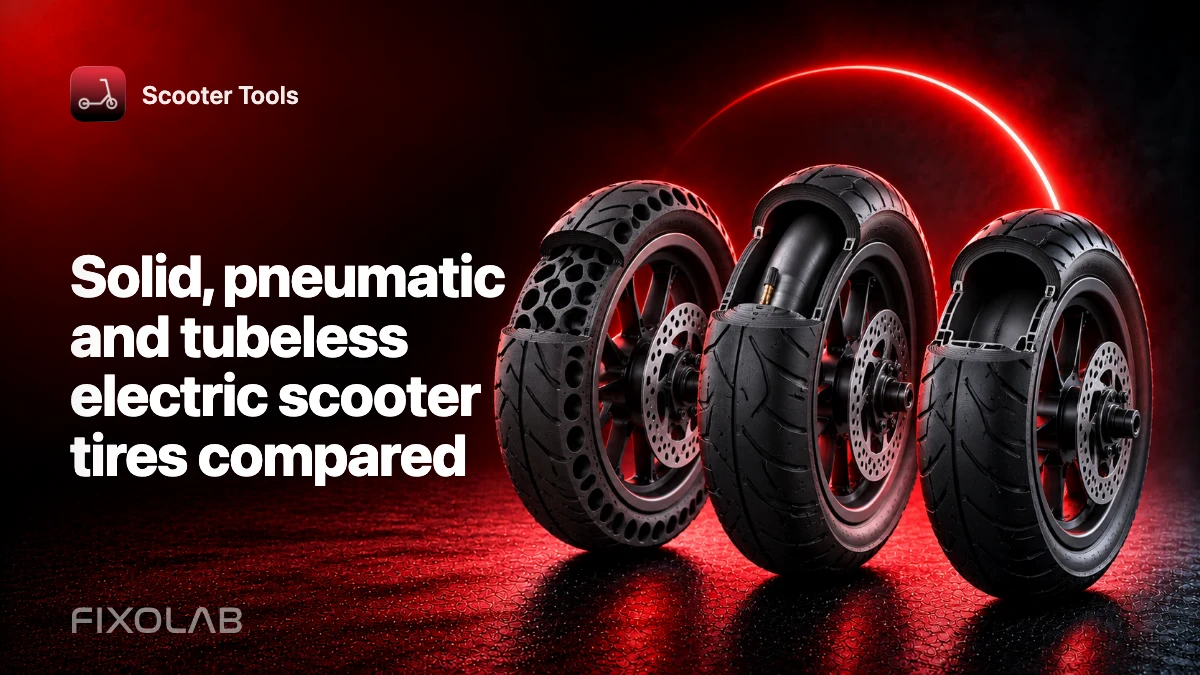
| FixoLab
Solid, pneumatic and tubeless electric scooter tires compared
Compare solid, tubed pneumatic and tubeless electric scooter tires for grip, comfort, puncture risk, maintenance and effect on ride data.
| FixoLab
How tire pressure affects electric scooter range and handling
Learn how tire pressure changes scooter range, handling and comfort, how to use the correct model-specific value and what Scooter Tools can compare.
| FixoLab
Reading Battery, Range, Temperature and Mileage in Scooter Tools
How Scooter Tools reads battery percentage, estimated range, temperature and mileage directly from your scooter's BMS over Bluetooth and shows them on your live dashboard.