Grip, braking and range when riding an electric scooter in the rain
Rain changes almost every part of an electric scooter ride. A wet surface offers less predictable grip, braking distances grow, painted markings and metal covers become slippery, and water can reach components that were never designed for immersion.
Scooter Tools can show live values and record a compatible ride, but it cannot measure road grip or certify that a scooter is safe in rain. The scooter manual, its condition and the conditions in front of you remain the deciding factors.
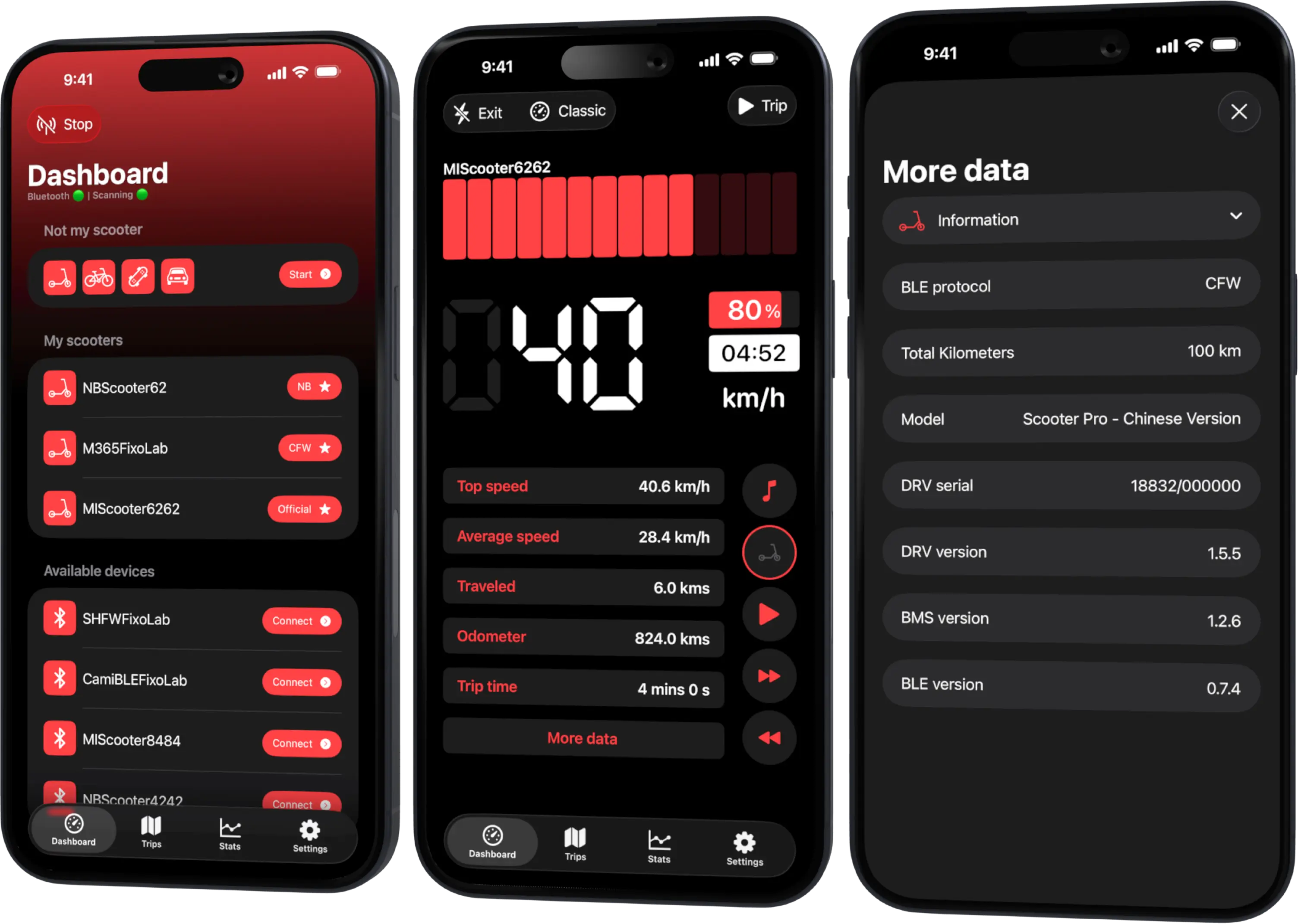
Your Xiaomi and Ninebot scooter dashboard
Monitor speed, battery, mileage, temperature and routes in real time, with support for official and custom firmware
Available on Android, iPhone, iPad and Mac, with Wear OS support and iCloud sync on Apple devices
Check whether the scooter may be used in rain
Read the current manual for the exact model. A published ingress-protection rating is not permission to ride through every storm. It applies under defined laboratory conditions, can exclude some components and does not remain a guarantee after impacts, ageing or repairs.
Do not ride through standing water, floods or water deep enough to reach the deck, hubs or charging port. If the manufacturer says not to ride in rain, wait for dry conditions.
Why grip changes so quickly
Small scooter tires have a limited contact patch. Water, leaves, mud and road paint can reduce available friction without much warning. Solid tires can also transmit less feedback than a pneumatic tire.
Reduce speed before the slippery section, keep the scooter upright through turns and avoid abrupt acceleration. Cross rails, covers and painted lines as straight as possible. No app value can tell you the remaining grip at a particular moment.
Braking in wet conditions
Start braking earlier and apply controls progressively. A wet disc, drum or electronic braking system may feel different, and a locked or unloaded wheel can slide.
Before a necessary ride, test the brakes gently at walking speed in a safe area. Stop if the lever travel, sound or response is unusual. A damaged brake is a mechanical service issue, not something telemetry can repair.
Visibility matters in both directions
Use the scooter lights as specified, wear visible clothing and assume drivers may not see a small vehicle in spray or darkness. Keep reflectors and lamps clean. Rain on glasses or a visor can be as important as the road surface.
Range and battery use
Wet roads, wind, colder air and cautious stop-start riding can increase energy use. Compare only similar routes and conditions. Scooter Tools can help record distance, duration, speed and battery change while a compatible connection remains active, but one wet trip is not a battery-health test.
After the ride
- Switch the scooter off in a dry, ventilated place.
- Wipe external water without directing pressure at seals or connectors.
- Inspect tires, brakes, lights and the charging-port cover.
- Let the scooter reach the conditions required by its manual before charging.
- Investigate error messages, moisture inside a display or abnormal behavior before riding again.
Never use a pressure washer, hair dryer or external heat source to force water out. Heat and pressure can move moisture past seals or damage the battery.
When to cancel the ride
Wait or use another form of transport when there is flooding, lightning, ice, poor visibility, strong crosswind, worn tires, weak brakes or a damaged charging-port seal. A journey that begins safely can become unsafe if rainfall intensifies.
For the related tire checks, read how tire pressure affects range and handling.
Frequently asked questions
Is an IP rating the same as waterproof?
No. It describes tested resistance under specific conditions. It does not make the scooter waterproof or cover wear and damage.
Can Scooter Tools detect a slippery road?
No. It reads available scooter and phone data; it does not measure surface friction.
Should I charge immediately after a wet ride?
Follow the manual. The scooter and charging area should be dry, and connectors must be free from moisture or damage.
Why did range fall in rain?
Cold, wind, surface resistance and slower stop-start riding can combine. Compare several similar rides before drawing a battery conclusion.
Your Xiaomi and Ninebot scooter dashboard
Monitor speed, battery, mileage, temperature and routes in real time, with support for official and custom firmware
Available on Android, iPhone, iPad and Mac, with Wear OS support and iCloud sync on Apple devices
| FixoLab
When to charge an electric scooter after a cold or wet ride
Decide when charging is safe after rain, cold or a hard ride by checking moisture, battery temperature, connectors and manufacturer limits.
| FixoLab
How to clean an electric scooter without causing water damage
Clean an electric scooter safely around its battery, motor, display and charging port while avoiding pressure washing and unsafe chemicals.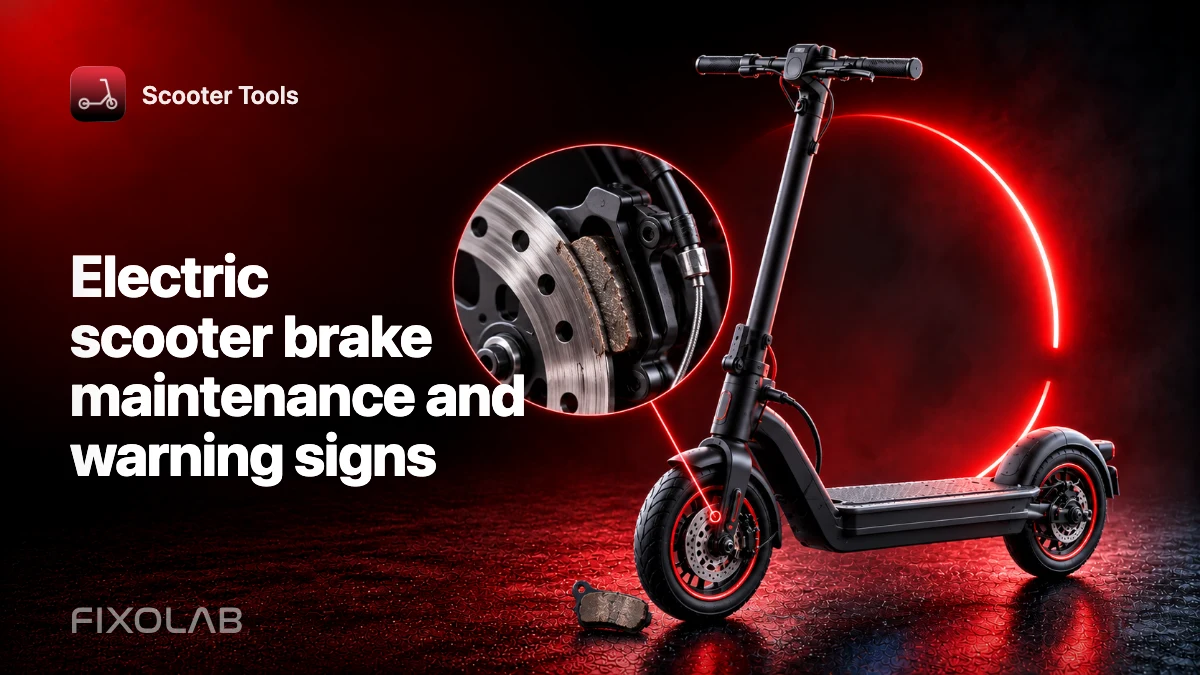
| FixoLab
Electric scooter brake maintenance and warning signs
Recognize brake wear, changing lever feel and unsafe stopping behavior on an electric scooter, with a practical inspection and service checklist.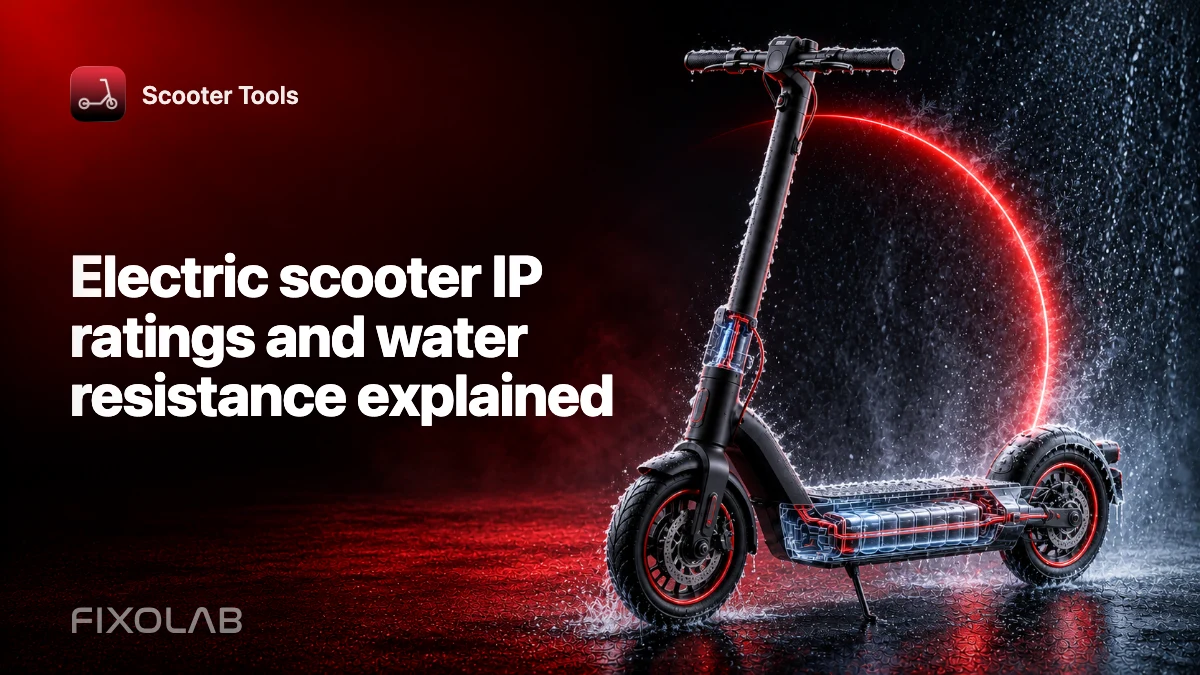
| FixoLab
Electric scooter IP ratings and water resistance explained
Learn what an electric scooter IP code does and does not mean, how ageing affects water resistance and how to inspect a scooter after wet exposure.