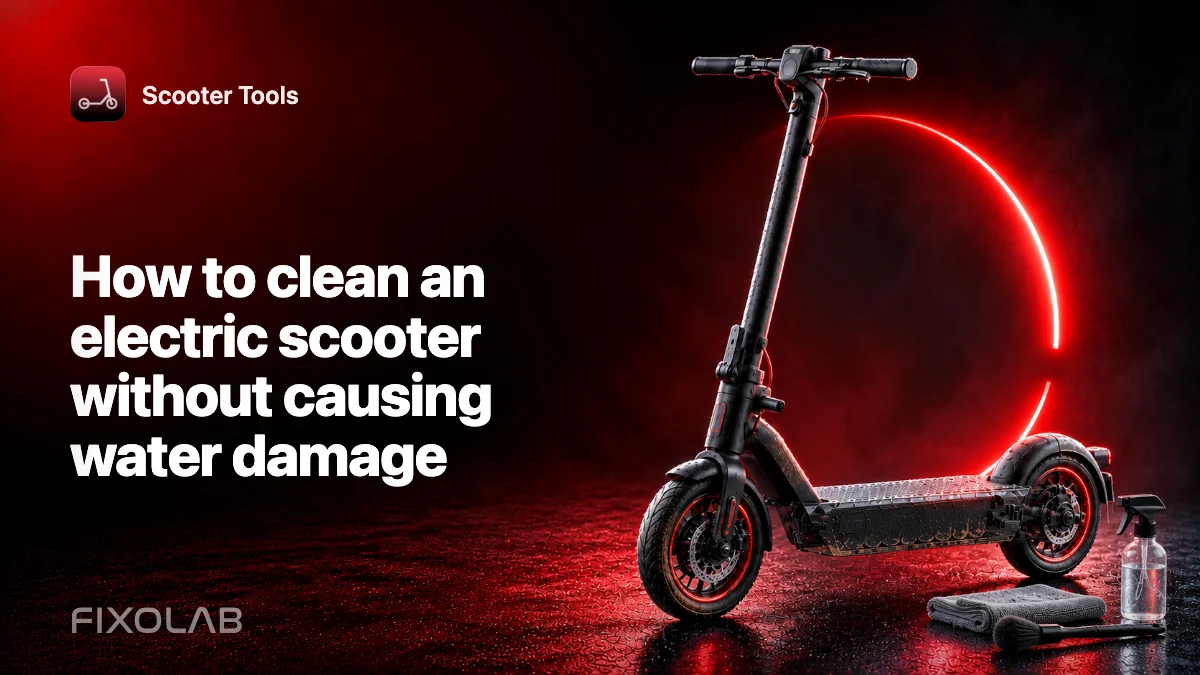
How to clean an electric scooter without causing water damage
Cleaning removes grit that hides cracks and accelerates wear, but an electric scooter is not a bicycle frame that can automatically be sprayed from every angle. Water under pressure can reach the display, controller, battery, motor or charging port.
Use the cleaning instructions for the exact model. An IP rating does not make pressure washing safe.
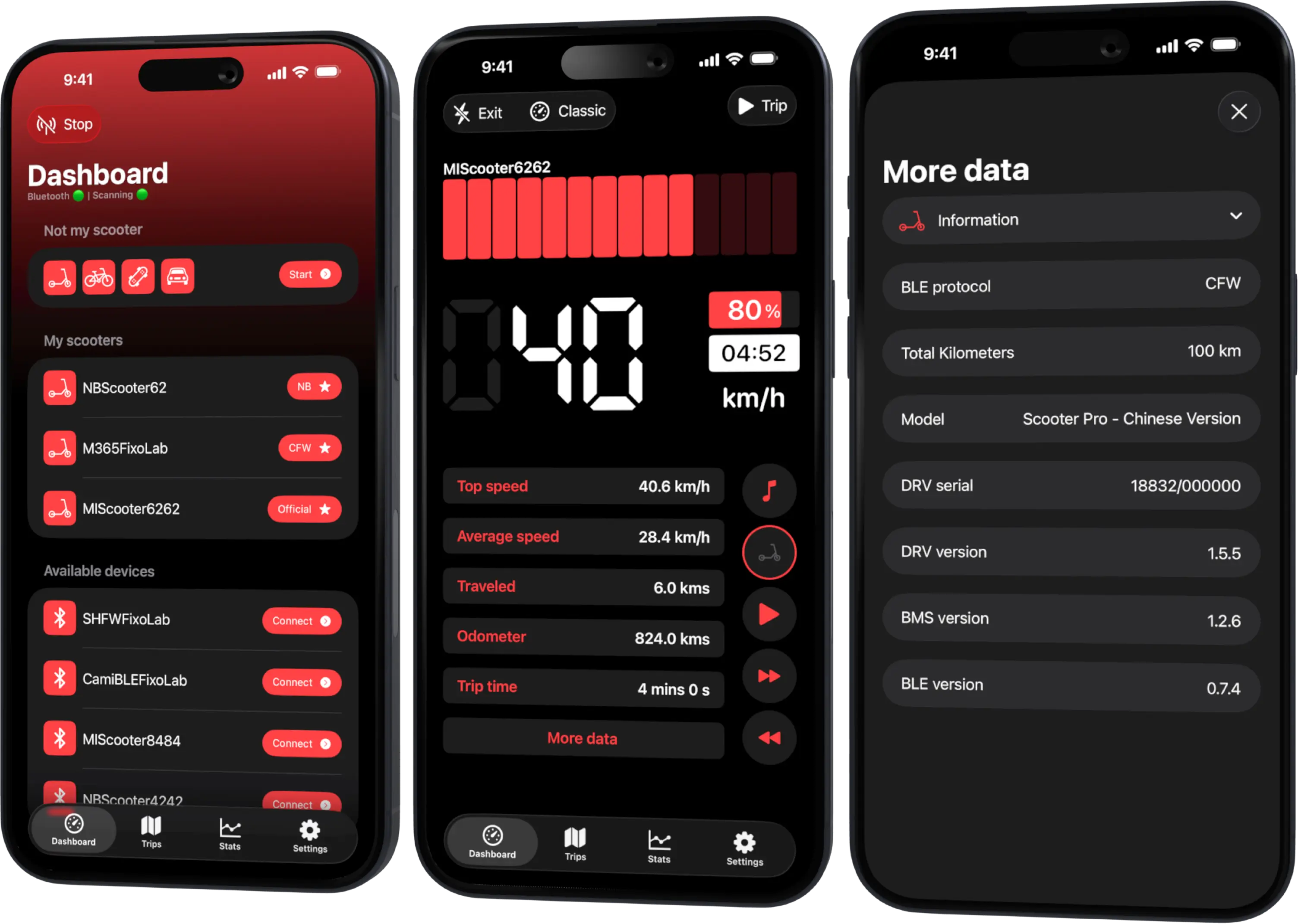
Your Xiaomi and Ninebot scooter dashboard
Monitor speed, battery, mileage, temperature and routes in real time, with support for official and custom firmware
Available on Android, iPhone, iPad and Mac, with Wear OS support and iCloud sync on Apple devices
Prepare the scooter
Switch it off, unplug the charger and let hot components cool. Work in a ventilated place where the scooter is stable. Close the charging-port cover and inspect it for damage, but do not assume the cover can withstand a jet.
Remove loose accessories only as the manual allows. Do not open the battery deck or electrical enclosures for routine cleaning.
Start dry
Use a soft brush or cloth to remove loose dust, sand and leaves. Starting dry avoids turning abrasive grit into mud that scratches surfaces or enters seams.
Pay attention to the tire tread, fender clearance, folding joint and brake area. Keep fingers away from sharp disc edges and moving wheels.
Use minimal moisture
Apply an approved mild cleaner to a cloth rather than flooding the scooter. Wipe the deck, stem and accessible covers, then use a separate cloth around dirty mechanical areas.
Do not direct liquid into the display, throttle, brake lever switches, cable entries, wheel bearings, motor axle or charging connector. Avoid solvents that attack plastic, rubber, adhesive or paint.
Protect the brakes
Never put polish, oil or silicone on braking surfaces. If a disc needs cleaning, use the product and method approved for that brake. Contaminated pads may require replacement rather than more cleaner.
After cleaning, inspect the tire and brake system and test at low speed in a safe area.
Drying
Wipe remaining moisture and leave the scooter in a dry, ventilated place. Do not use a hair dryer, heater or direct high heat. Do not connect a charger until the scooter and port meet the manufacturer’s dry-condition requirement.
Condensation can remain after bringing a cold scooter indoors, even if the exterior looks dry.
What to inspect while cleaning
- tire cuts, embedded objects and abnormal wear;
- loose fasteners or damaged folding parts;
- cable rubbing and cracked insulation;
- brake wear, leaks or disc damage;
- cracks around the deck and battery enclosure;
- damaged lights, reflectors and port cover.
Cleaning is useful because it makes these problems visible. It is not a substitute for scheduled service.
After unexpected water entry
If water entered an enclosure, the display fogged internally or the scooter behaves abnormally, turn it off and follow the model’s service guidance. Do not repeatedly power it on to see whether the fault disappears.
Scooter Tools may show telemetry or an error after the vehicle is safe to power, but it cannot confirm the inside is dry.
Read IP ratings and water resistance explained for the limits behind the label.
Frequently asked questions
Can I hose down an IP-rated scooter?
Do not assume so. Follow the exact cleaning method; concentrated water can exceed the tested exposure.
Can I clean while the charger is connected?
No. Disconnect power and follow the manual before using any moisture.
Why should I avoid external heat?
It can damage materials, move moisture and expose a lithium battery to unsafe temperature.
Does a clean scooter need inspection?
Yes. Clean surfaces make wear easier to see but do not prove components are within service limits.
Your Xiaomi and Ninebot scooter dashboard
Monitor speed, battery, mileage, temperature and routes in real time, with support for official and custom firmware
Available on Android, iPhone, iPad and Mac, with Wear OS support and iCloud sync on Apple devices
| FixoLab
Electric scooter IP ratings and water resistance explained
Learn what an electric scooter IP code does and does not mean, how ageing affects water resistance and how to inspect a scooter after wet exposure.
| FixoLab
Grip, braking and range when riding an electric scooter in the rain
Understand how rain changes electric scooter grip, braking distance, visibility and battery use, and when wet conditions mean the ride should wait.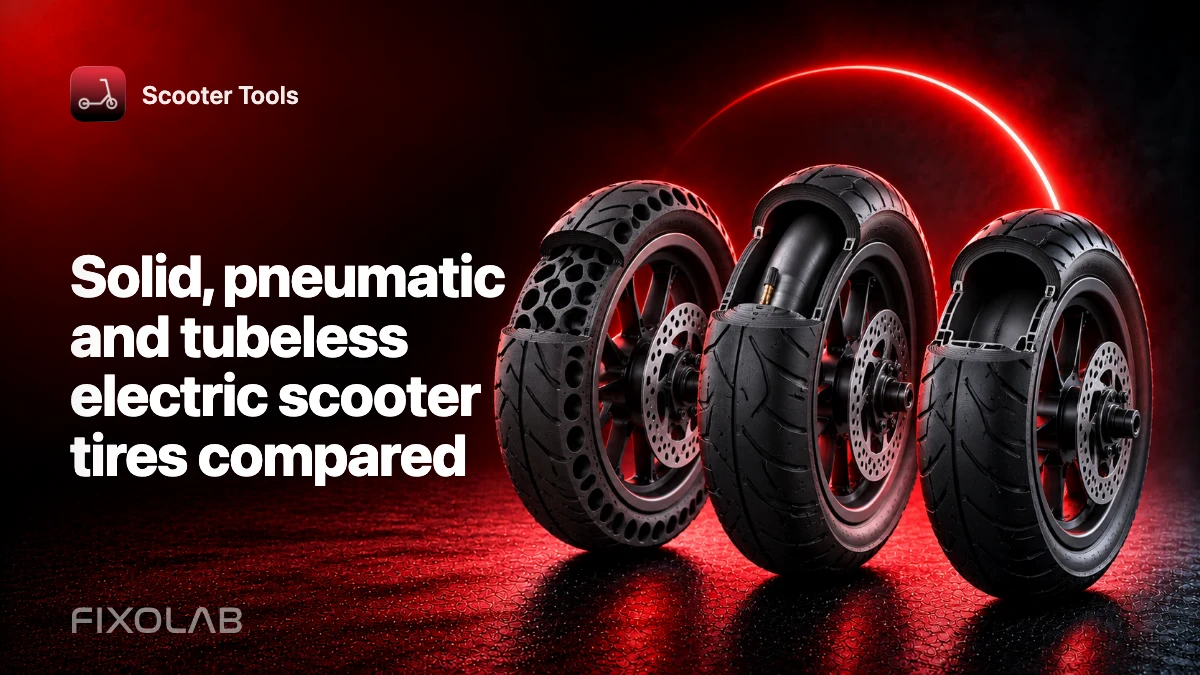
| FixoLab
Solid, pneumatic and tubeless electric scooter tires compared
Compare solid, tubed pneumatic and tubeless electric scooter tires for grip, comfort, puncture risk, maintenance and effect on ride data.
| FixoLab
When to charge an electric scooter after a cold or wet ride
Decide when charging is safe after rain, cold or a hard ride by checking moisture, battery temperature, connectors and manufacturer limits.