BLE and Privacy: Why Scooter Control Stays Local to Your Phone
Trust & privacy
Where does my scooter data actually go?
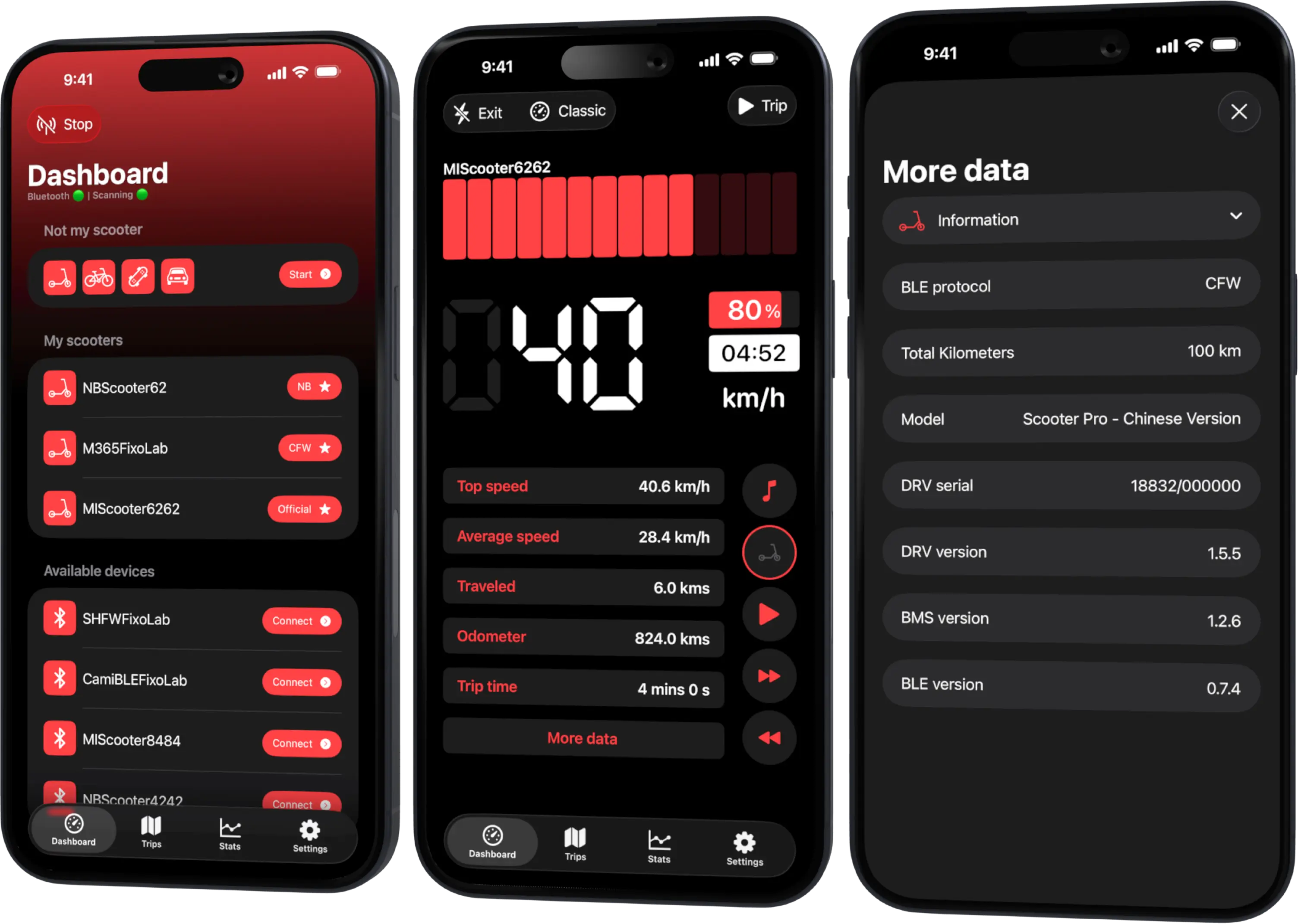
Nowhere but your phone. The connection between Scooter Tools and your scooter is a direct Bluetooth link; there's no cloud step required for the app to read and display your dashboard.
What this means in practice
- No account or sign-in is required to connect a scooter
- No vehicle control commands are ever sent by Scooter Tools
- Trip and route data stays tied to your device and its own platform sync
What Scooter Tools never does
- 1
Send commands that change scooter settings
Regardless of firmware, Scooter Tools only reads data.
- 2
Require a cloud account to function
Connecting and monitoring your scooter needs no sign-in.
- 3
Share your route to operate the vehicle remotely
There's no remote vehicle control feature at all.
What stays on your device
- Live dashboard data during a connection
- Trip history
- Saved scooter list
Good to know
- Platform sync (like iCloud on Apple devices) follows that platform's own account and privacy model
Troubleshooting
I want to confirm no data leaves my phone during a ride
The Bluetooth connection to your scooter doesn't require internet access to function; core monitoring works without it.
Frequently asked questions
Can Scooter Tools be used to track or control my scooter remotely?
No, there's no remote control feature — the connection only works locally over Bluetooth while your phone is near the scooter.
Do I need an account to use Scooter Tools?
No account is required to connect a scooter and view your dashboard.
Recent posts
See what your scooter can share
Check the exact data fields available for your model.
Your Xiaomi and Ninebot scooter dashboard
Monitor speed, battery, mileage, temperature and routes in real time, with support for official and custom firmware
Available on Android, iPhone, iPad and Mac, with Wear OS support and iCloud sync on Apple devices