Why two scooter apps can show different data
Two apps can connect to the same scooter and still show different values. The difference may come from polling time, field choice, rounding or a derived formula.
Scooter Tools can show supported local Bluetooth telemetry and trip context. It does not flash firmware, bypass ownership, certify a repair or replace the scooter manufacturer’s safety instructions.
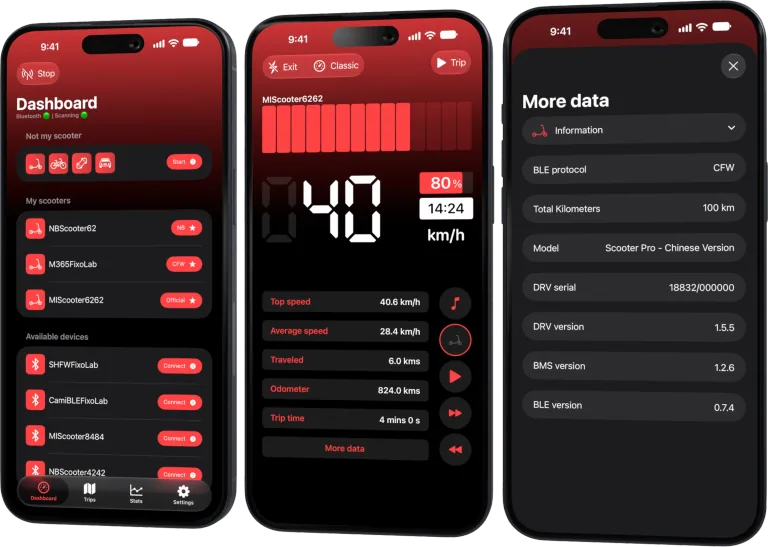
Your Xiaomi and Ninebot scooter dashboard
Monitor speed, battery, mileage, temperature and routes in real time, with support for official and custom firmware
Available on Android, iPhone, iPad and Mac, with iCloud sync on Apple devices
Compare at the same moment
Battery voltage and current change quickly under load. Put the scooter at rest, use one app at a time and record timestamps before comparing.
Separate reported and calculated values
One app may display a controller field while another calculates speed, range or battery percentage. Derived values depend on assumptions and stored settings.
Check units and rounding
Miles versus kilometers, Celsius versus Fahrenheit and rounded battery bars can create apparent disagreement. Confirm the underlying units.
Review protocol and version
An app may select a different protocol mode or firmware mapping. Record exact app, firmware, model and controller versions in a reproducible report.
Safe review checklist
- Use one Bluetooth session at a time.
- Match units and timestamp.
- Identify raw versus derived values.
- Compare exact versions.
Frequently asked questions
Which app is correct?
It depends on the field source and definition; compare with the manufacturer’s documented value where available.
Can polling frequency matter?
Yes. Fast-changing current and speed can differ even seconds apart.
Should I average the two readings?
No. First understand why their definitions differ.
Your Xiaomi and Ninebot scooter dashboard
Monitor speed, battery, mileage, temperature and routes in real time, with support for official and custom firmware
Available on Android, iPhone, iPad and Mac, with iCloud sync on Apple devices
| FixoLab
Autumn and winter electric scooter maintenance checklist
Prepare tires, brakes, battery, lights, seals and storage for colder, wetter scooter riding while using trip data to reset range expectations.
| FixoLab
When to charge an electric scooter after a cold or wet ride
Decide when charging is safe after rain, cold or a hard ride by checking moisture, battery temperature, connectors and manufacturer limits.
| FixoLab
How to clean an electric scooter without causing water damage
Clean an electric scooter safely around its battery, motor, display and charging port while avoiding pressure washing and unsafe chemicals.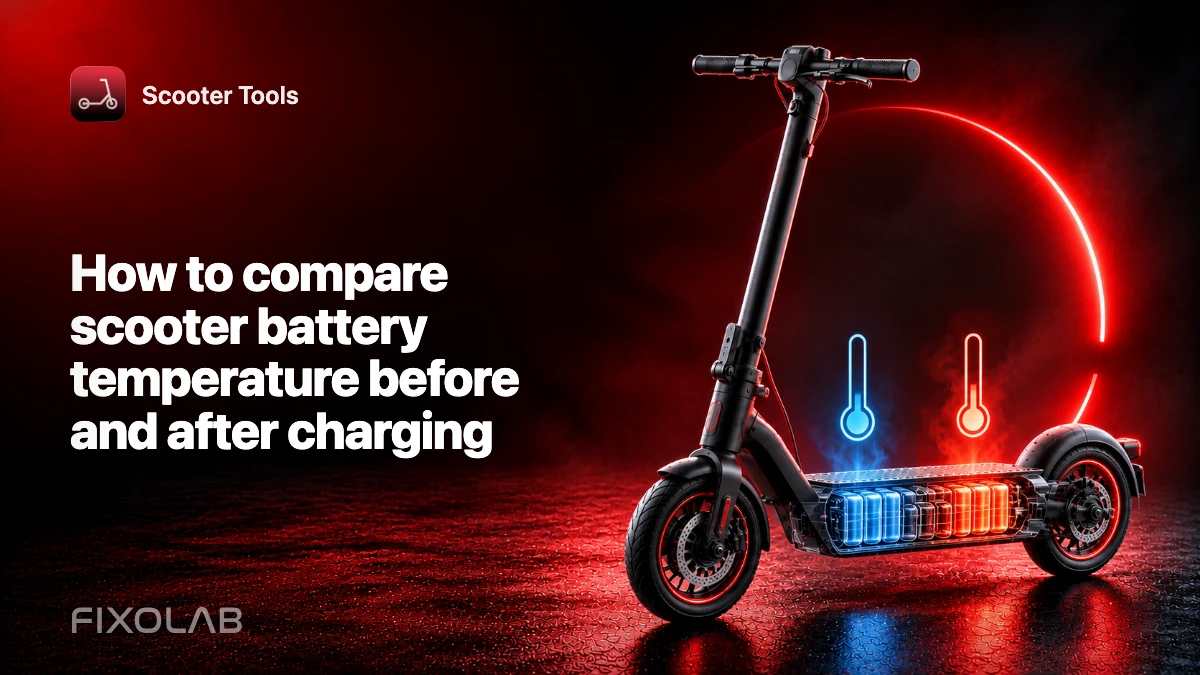
| FixoLab
How to compare electric scooter battery temperature before and after charging
Compare battery temperature readings under similar conditions and follow the charging limits for your model.