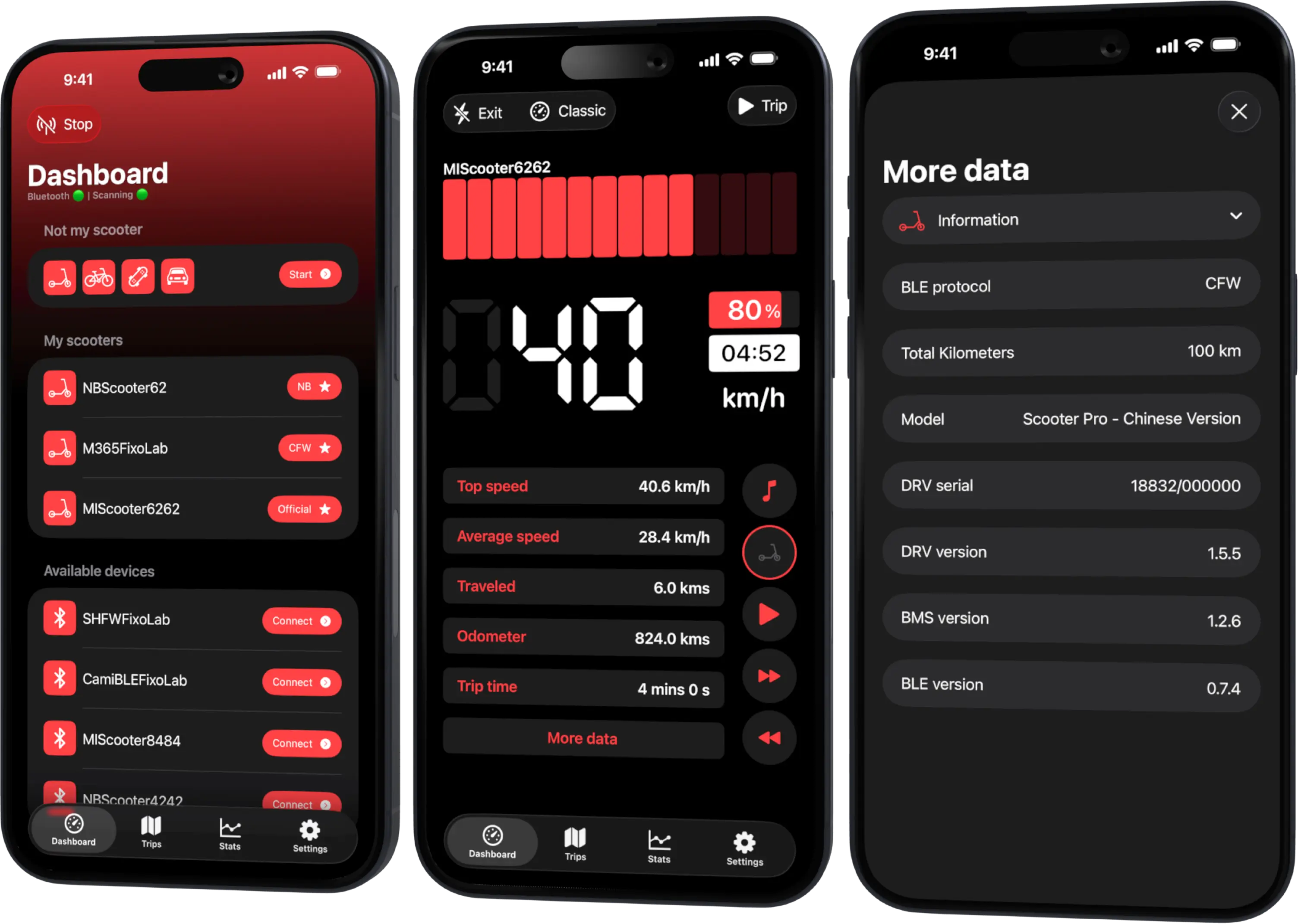
What Scooter Tools Does (and Doesn't) Do to Your Scooter
Trust & privacy
What does Scooter Tools actually do to my scooter?
It reads data your scooter already reports over Bluetooth — speed, battery, range, trips — and shows it on a dashboard. It never installs, modifies or unlocks anything on the vehicle.
What Scooter Tools does
- Reads live data over a direct Bluetooth connection
- Detects firmware type (Official, CFW, NB) automatically
- Saves trip history on your device
What happens during a connection
- 1
Scan and connect
Scooter Tools finds nearby compatible scooters and connects over Bluetooth.
- 2
Read reported data
Speed, battery, firmware details and more are read as the scooter reports them.
- 3
Display, don't modify
Everything shown is read-only; no settings on the scooter are changed.
What it does do
- Live dashboard for speed, battery, range and ride mode
- Trip history
- Firmware detection for compatibility purposes
What it doesn't do
- It doesn't unlock speed limits
- It doesn't install or flash firmware
- It doesn't control the scooter remotely over the internet
Troubleshooting
I was expecting tuning or unlocking features
Scooter Tools is a monitoring dashboard, not a firmware modification tool — this is by design, not a missing feature.
Frequently asked questions
Can Scooter Tools unlock a higher speed mode?
No, it only reads and displays your scooter's existing modes; it doesn't change them.
Is this the same as a firmware flashing tool?
No, those are separate, independent tools some owners use on their scooter outside of Scooter Tools.
Recent posts
See what data your model reports
Check the compatibility table for your exact scooter.
Your Xiaomi and Ninebot scooter dashboard
Monitor speed, battery, mileage, temperature and routes in real time, with support for official and custom firmware
Available on Android, iPhone, iPad and Mac, with Wear OS support and iCloud sync on Apple devices