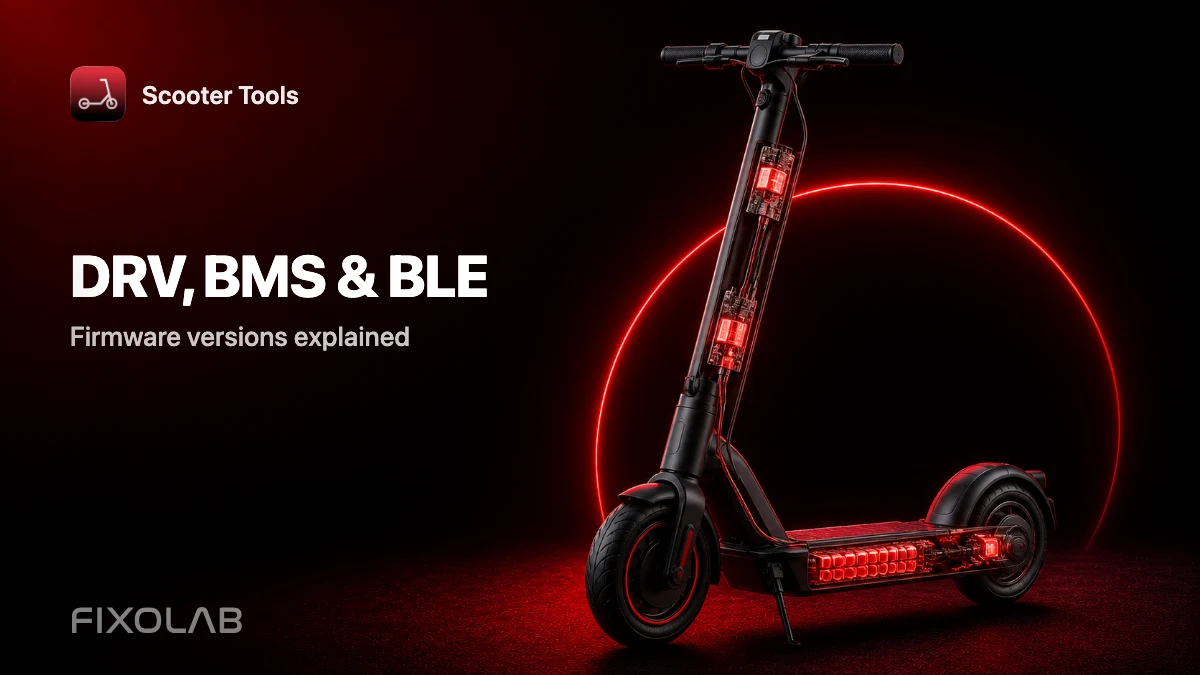
DRV, BMS and BLE Firmware Versions Explained
Protocols
What do DRV, BMS and BLE versions mean?
They're the three firmware components Scooter Tools reads from your scooter to confirm compatibility: DRV (drive/motor controller), BMS (battery management system) and BLE (the Bluetooth radio's own firmware).
Why Scooter Tools checks all three
- DRV controls ride data like speed and ride mode
- BMS controls battery data like charge level and health
- BLE controls how the scooter advertises and sends data over Bluetooth
How Scooter Tools uses this
- 1
It reads all three versions automatically
No manual input needed — Scooter Tools detects them during the initial connection.
- 2
It matches them against verified combinations
If your exact combination is verified, every dashboard field appears. Unverified combinations may show partial data.
What this affects
- Which dashboard fields are available
- Whether a firmware update needs re-verification
- How support requests get triaged
Good to know
- Scooter Tools can't update DRV, BMS or BLE firmware — it only reads their versions
- A brand-new firmware release may take time to get verified
Troubleshooting
I don't know my scooter's DRV/BMS/BLE versions
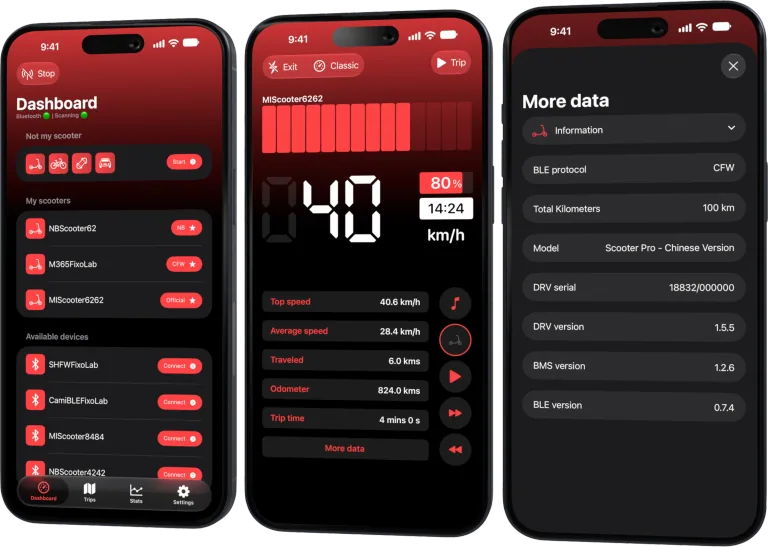
You don't need to check manually — Scooter Tools reads them automatically once connected and shows them in the app's details view.
Frequently asked questions
Can I look up these versions without Scooter Tools?
Some manufacturer apps show similar information, but Scooter Tools reads and displays it directly once connected.
Does a firmware update break compatibility?
It can temporarily, until the new version combination is verified — core fields usually keep working regardless.
Check your exact firmware combination
See which DRV, BMS and BLE combinations are verified per model.
Your Xiaomi and Ninebot scooter dashboard
Monitor speed, battery, mileage, temperature and routes in real time, with support for official and custom firmware
Available on Android, iPhone, iPad and Mac, with iCloud sync on Apple devices
| FixoLab
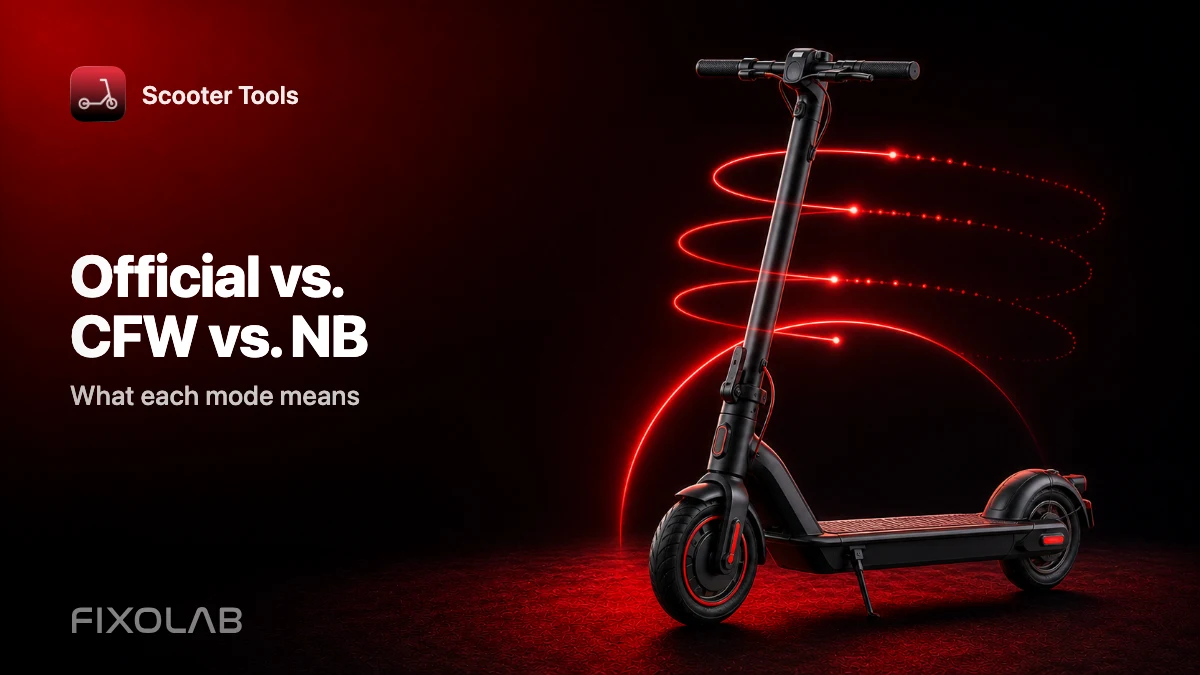
What Official Firmware, CFW and NB Mean for Scooter Tools
Understand Official firmware, CFW and NB, the three Bluetooth modes Scooter Tools recognizes, and what each one means for monitoring your scooter.
| FixoLab
Choosing the Right Protocol Mode for Your Scooter
Why you don't need to choose a protocol mode yourself: Scooter Tools detects Official, CFW or NB automatically during scan and connection.
| FixoLab
What Custom Firmware (CFW) Changes for Monitoring in Scooter Tools
Understand what CFW (custom firmware) means for Scooter Tools monitoring and compatibility — it only reads data, it never installs or modifies firmware.
| FixoLab
SHFW as a Third Firmware Path for Scooter Tools Users
Understand what SHFW is, how it compares to Official firmware and CFW, and what Scooter Tools reads from scooters running it.