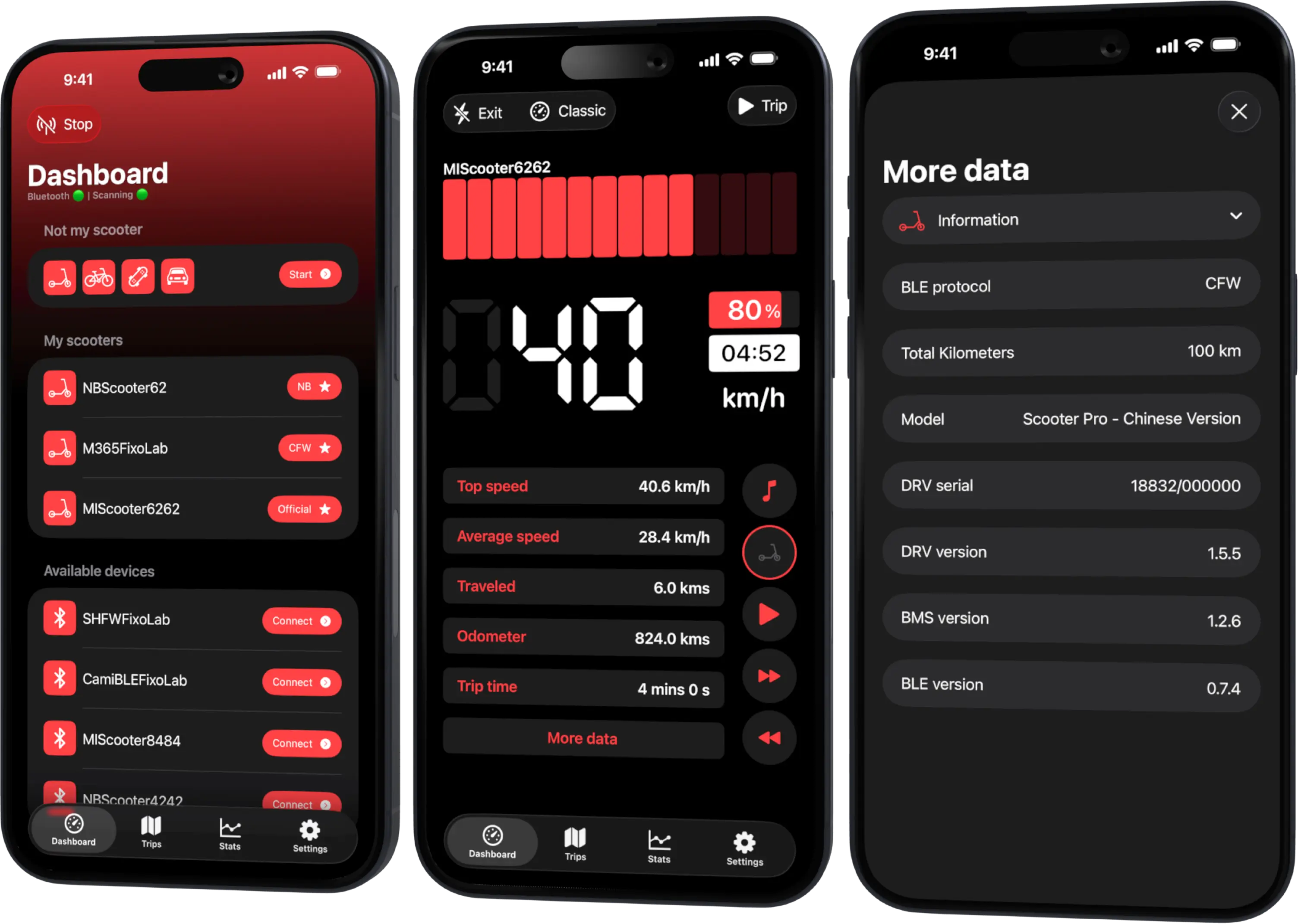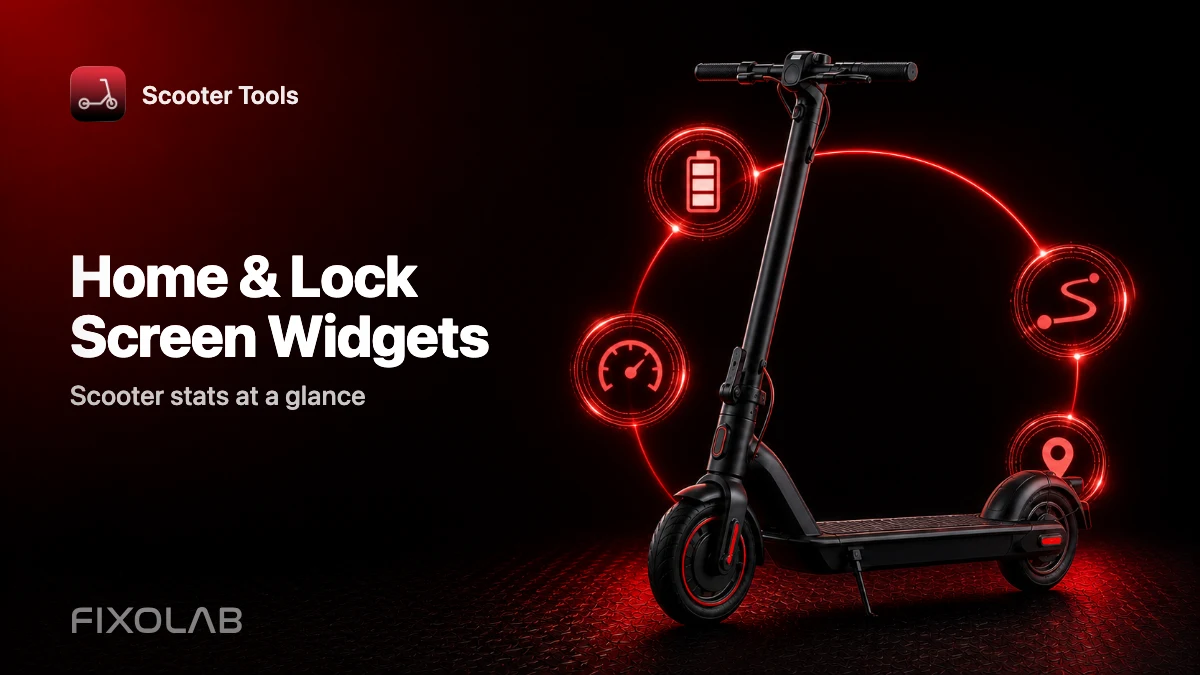
Home and Lock Screen Widgets: Your Scooter Stats at a Glance
Feature guide
What can Scooter Tools widgets show?
Home and lock screen widgets on Apple devices show your scooter's key stats at a glance, reading from the same App Group data the app itself uses.
What you need
- Scooter Tools installed on iOS
- A previously connected scooter with recent data available
Adding a widget
- 1
Long-press your home or lock screen
Enter the widget editing mode on your device.
- 2
Add a Scooter Tools widget
Choose the size and layout you prefer.
- 3
View your latest synced stats
The widget updates based on the most recent data the app has recorded.
What's available
- Home screen widgets
- Lock screen widgets
- Data synced through the app's shared App Group
Good to know
- Widgets are currently an Apple-platform feature
- They show the last synced data, not a live Bluetooth connection
Troubleshooting
The widget shows outdated data
Open the app and reconnect to your scooter to refresh the shared data the widget reads from.
Frequently asked questions
Do widgets work on Android?
Widgets are currently available on Apple platforms; check current app store listings for the latest availability.
Does the widget use Bluetooth on its own?
No, it reads data the main app already recorded, shared through the App Group.
Recent posts
Check your device compatibility
See what's available for your platform.
Your Xiaomi and Ninebot scooter dashboard
Monitor speed, battery, mileage, temperature and routes in real time, with support for official and custom firmware
Available on Android, iPhone, iPad and Mac, with Wear OS support and iCloud sync on Apple devices