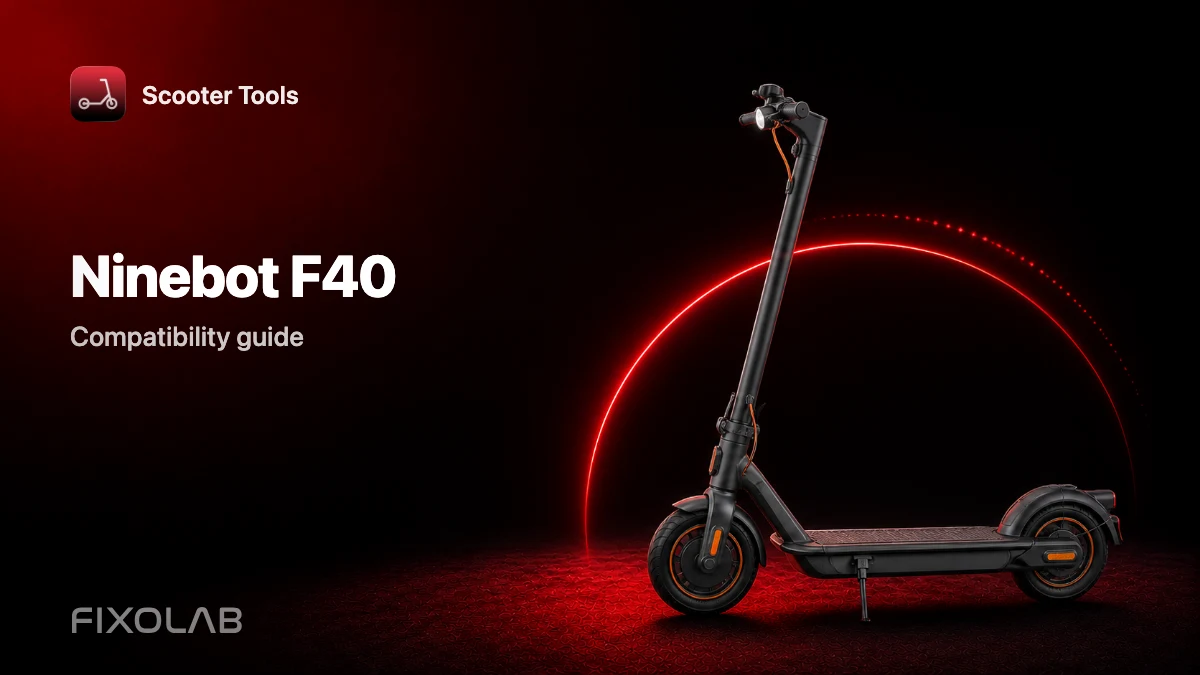
Ninebot F40 Compatibility With Scooter Tools
Compatibility
Does Scooter Tools work with the Ninebot F40?
Yes, the Ninebot F40 is verified on Official firmware. Connect over Bluetooth and get a live dashboard with no manufacturer account.
What you need
- A Ninebot F40
- Bluetooth turned on and location permission granted on your phone
- Scooter Tools installed on iOS or Android
- The scooter powered on and within Bluetooth range
Connect in under a minute
- 1
Open Scooter Tools and start a scan
The app lists every compatible scooter it finds nearby over Bluetooth.
- 2
Select your F40
It's recognized automatically once it responds to the scan.
- 3
Confirm pairing on the scooter, if prompted
Some firmware versions ask for a one-time confirmation on the scooter itself.
- 4
Read your live dashboard
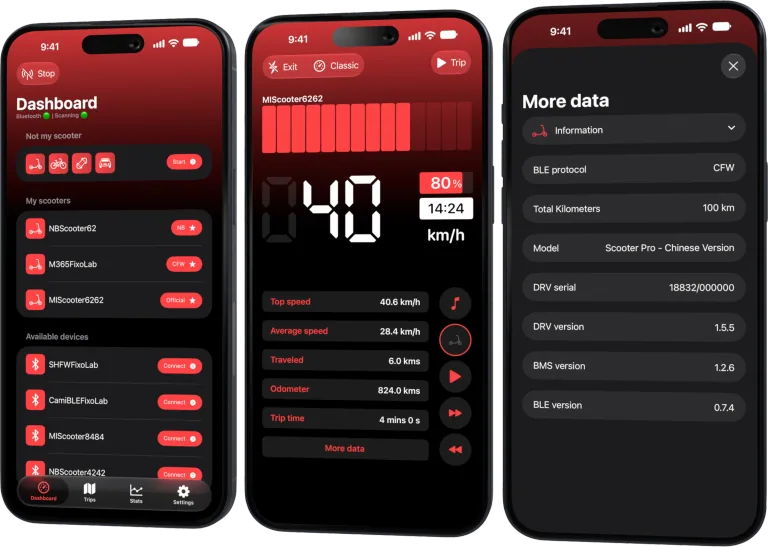
Speed, battery, estimated range, ride mode and trip history update in real time.
What you can see once connected
- Live speed, battery percentage and estimated range
- Ride mode and total trip history
- Verified on Official firmware
- A dashboard that works without a Ninebot account
What Scooter Tools doesn't do
- It doesn't unlock speed limits or modify firmware — it reads what your scooter already reports
- It doesn't require or use a cloud account to function
- CFW hasn't been verified yet on this model
Troubleshooting
My F40 isn't found during the scan
Confirm Bluetooth and location permissions are granted, that the scooter is powered on, and that you're within a few meters of it.
Some fields are missing after connecting
Check the compatibility table to confirm your exact firmware version is verified.
Local only, by design
The connection between Scooter Tools and your F40 is a direct Bluetooth link between your phone and the vehicle.
Frequently asked questions
How does the F40 compare to the F20/F25/F30 in Scooter Tools?
All four connect the same way and show the same core dashboard fields.
Do I need a Ninebot account?
No, the connection is a direct Bluetooth link with no account required.
See the full Ninebot compatibility table
Check every verified model, firmware combination and current limitation.
Your Xiaomi and Ninebot scooter dashboard
Monitor speed, battery, mileage, temperature and routes in real time, with support for official and custom firmware
Available on Android, iPhone, iPad and Mac, with iCloud sync on Apple devices
| FixoLab
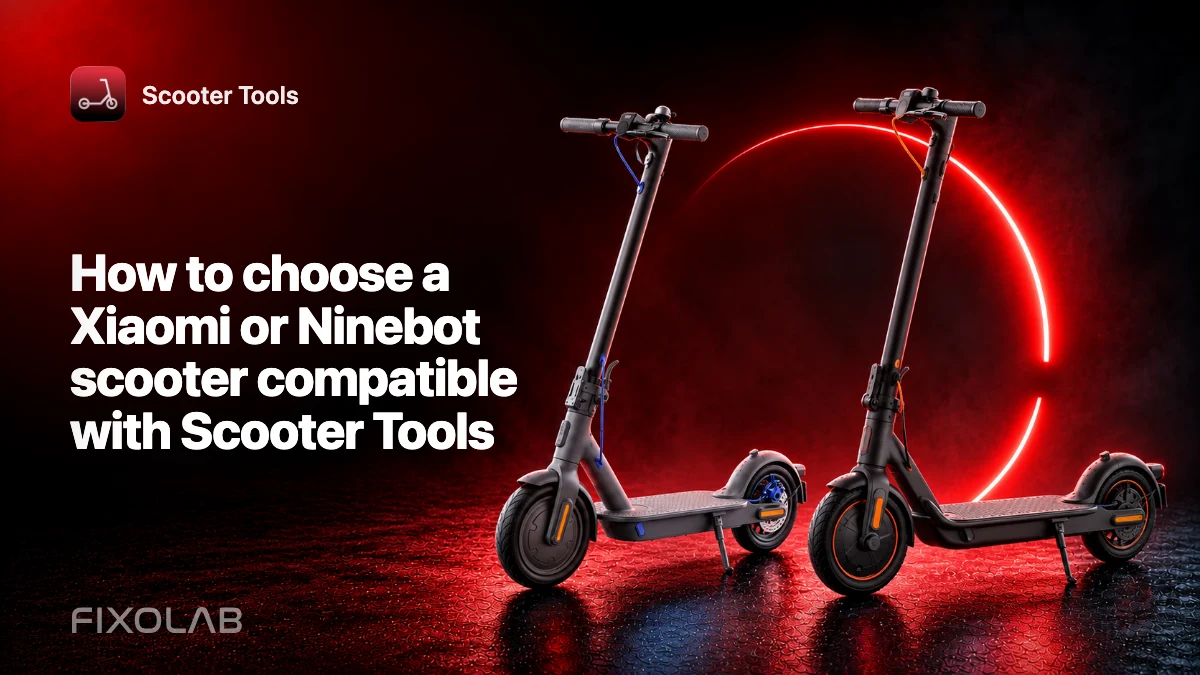
How to choose a Xiaomi or Ninebot scooter compatible with Scooter Tools
Check exact model, region, firmware and platform support before buying a Xiaomi or Ninebot scooter for use with Scooter Tools.
| FixoLab
Common Questions About Scooter Tools Compatibility With Your Scooter
Answers to the questions owners ask most about connecting Xiaomi and Ninebot scooters to Scooter Tools, from accounts to firmware to platform differences.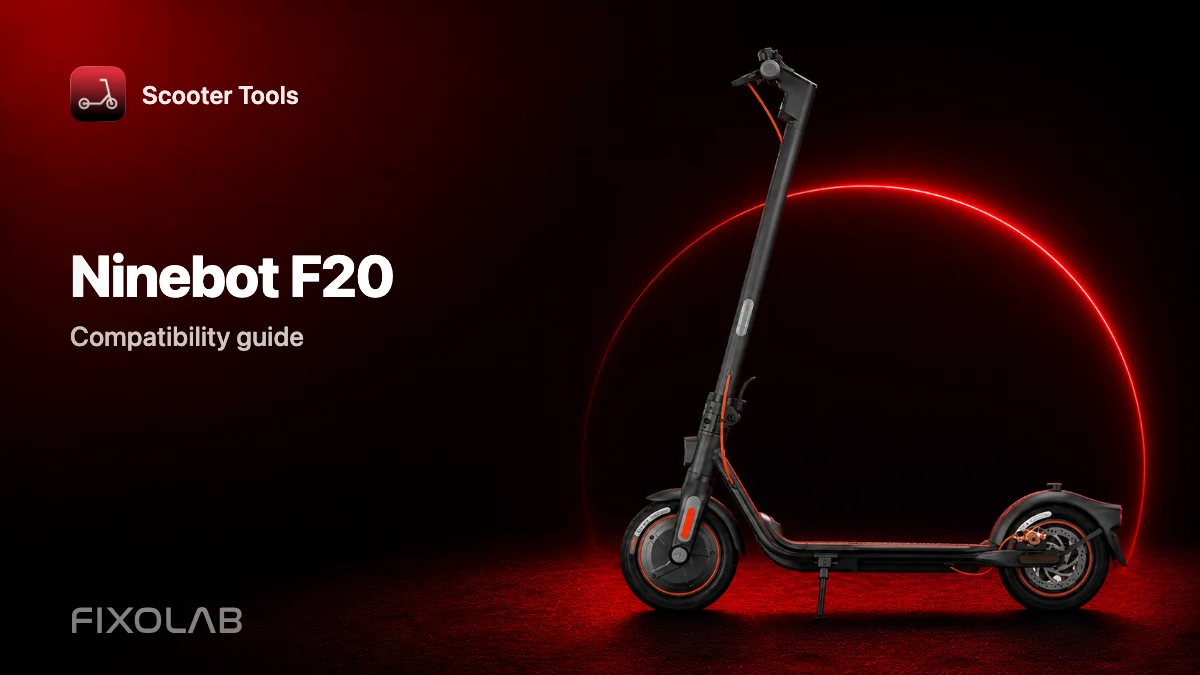
| FixoLab
Ninebot F20 Compatibility With Scooter Tools
See if the Ninebot F20 works with Scooter Tools on Official firmware, and what you can monitor once connected.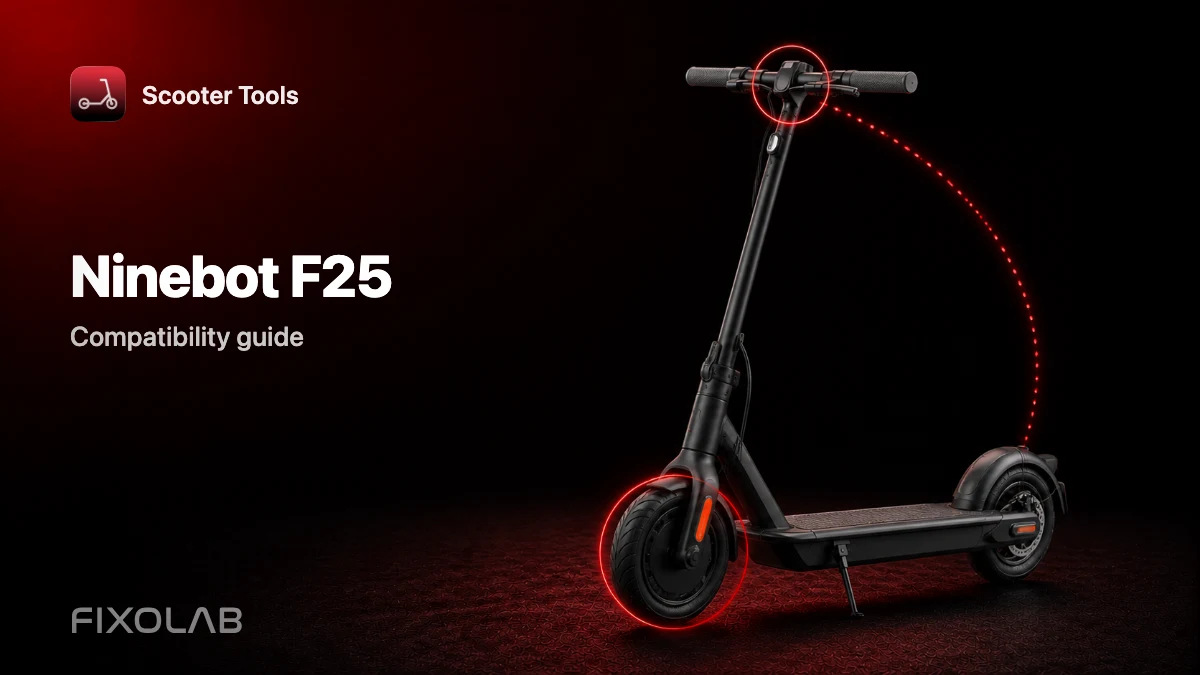
| FixoLab
Ninebot F25 Compatibility With Scooter Tools
See if the Ninebot F25 works with Scooter Tools on Official firmware, and what you can monitor once connected.