How to choose a Xiaomi or Ninebot scooter compatible with Scooter Tools
Brand name alone does not determine app compatibility. A Xiaomi or Ninebot family can contain regional variants, hardware revisions and firmware paths that use different authentication or protocols.
Check the live Scooter Tools compatibility page before buying. A blog post is explanatory context, not a permanent model database.
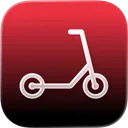
Your Xiaomi and Ninebot scooter dashboard
Monitor speed, battery, mileage, temperature and routes in real time, with support for official and custom firmware
Available on Android, iPhone, iPad and Mac, with iCloud sync on Apple devices
Record the exact product identity
Ask for the complete model name, model code, region and hardware revision where available. A listing that says only “M365 style” or “Ninebot” is not enough.
For a used scooter, verify the label and official app information in person. Do not publish the full serial number while asking publicly.
Understand the protocol paths
Scooter Tools supports defined families such as official Xiaomi authentication, compatible CFW modes, NB and Not My Scooter. These describe communication paths, not a promise that every vehicle carrying a brand badge will connect.
Scooter Tools does not install custom firmware or unlock speed. Compatibility with an already installed firmware does not endorse modifying it.
Check the phone platform
iOS and Android share the core product direction but do not always expose identical features. Confirm the current compatibility and feature page for the platform you will use. Android is phone-first; do not buy based on an assumed Wear OS companion.
For Apple features, separately verify any Watch or widget requirement.
Consider official account binding
Some vehicles require legitimate ownership, account transfer or authentication material. A seller must remove the scooter from the previous account where the official process requires it.
Do not treat an app as a way around a locked or stolen scooter.
Compatibility is not the whole buying decision
Also check:
- legal speed and vehicle rules in your location;
- manufacturer load, grade and temperature limits;
- tire and brake type;
- availability of approved parts and service;
- battery and charger condition;
- structural condition and recall information;
- realistic range for the route.
An incompatible but safe scooter may simply need its official app. A compatible scooter with battery damage is still a bad purchase.
Verify before paying
- Open the current compatibility page.
- Match the exact model and region.
- Confirm firmware and protocol expectations.
- Confirm iOS or Android feature needs.
- Resolve official ownership transfer.
- Inspect the scooter physically.
- Test a permitted connection with the seller present.
Keep evidence of the model and result without copying private credentials.
Frequently asked questions
Does every Xiaomi scooter work?
No. Compatibility depends on exact model, region, firmware and supported authentication.
Does every Segway-Ninebot use NB mode?
Do not assume so. Check the exact entry in the current compatibility information.
Can I buy first and select Not My Scooter later?
Not My Scooter uses phone sensors without a vehicle BLE connection. It does not make an unsupported scooter compatible.
Is the blog list enough?
No. Use the live compatibility page and current app information at purchase time.
Your Xiaomi and Ninebot scooter dashboard
Monitor speed, battery, mileage, temperature and routes in real time, with support for official and custom firmware
Available on Android, iPhone, iPad and Mac, with iCloud sync on Apple devices
| FixoLab
Common Questions About Scooter Tools Compatibility With Your Scooter
Answers to the questions owners ask most about connecting Xiaomi and Ninebot scooters to Scooter Tools, from accounts to firmware to platform differences.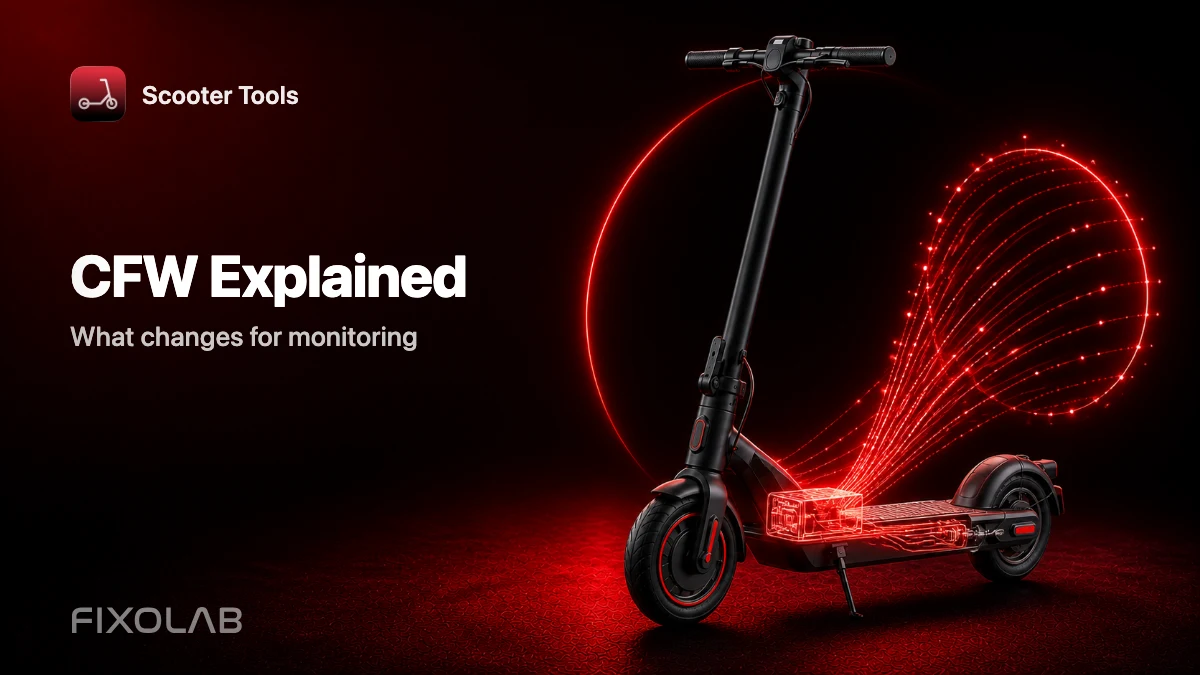
| FixoLab
What Custom Firmware (CFW) Changes for Monitoring in Scooter Tools
Understand what CFW (custom firmware) means for Scooter Tools monitoring and compatibility — it only reads data, it never installs or modifies firmware.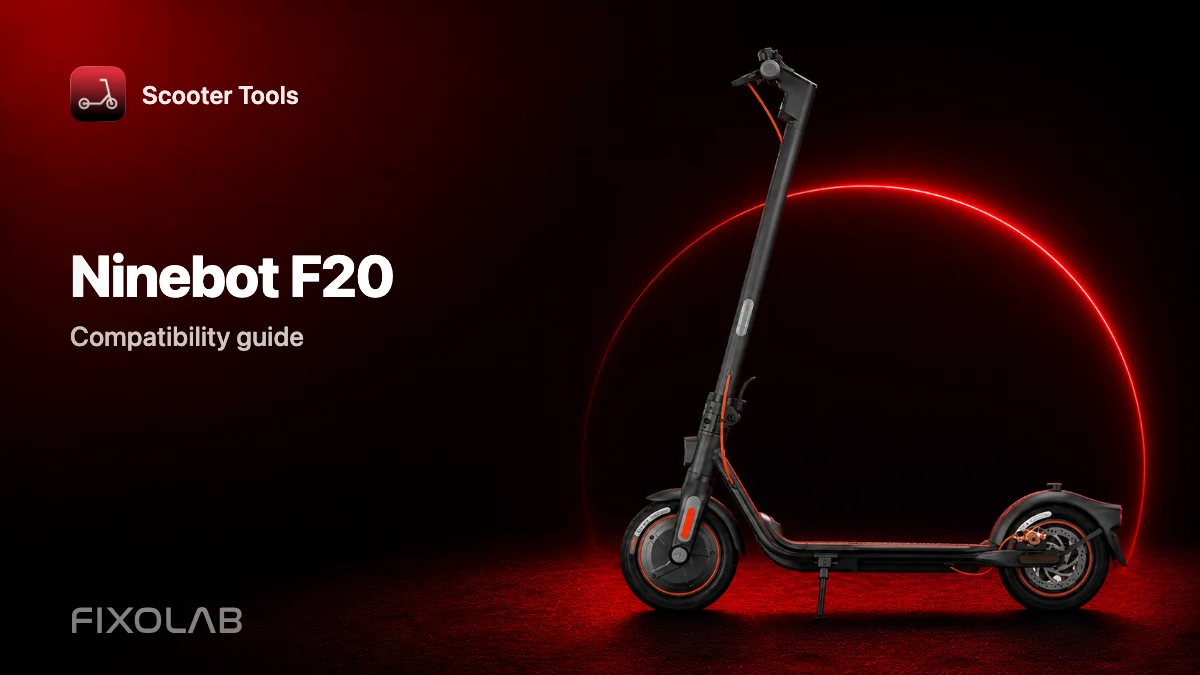
| FixoLab
Ninebot F20 Compatibility With Scooter Tools
See if the Ninebot F20 works with Scooter Tools on Official firmware, and what you can monitor once connected.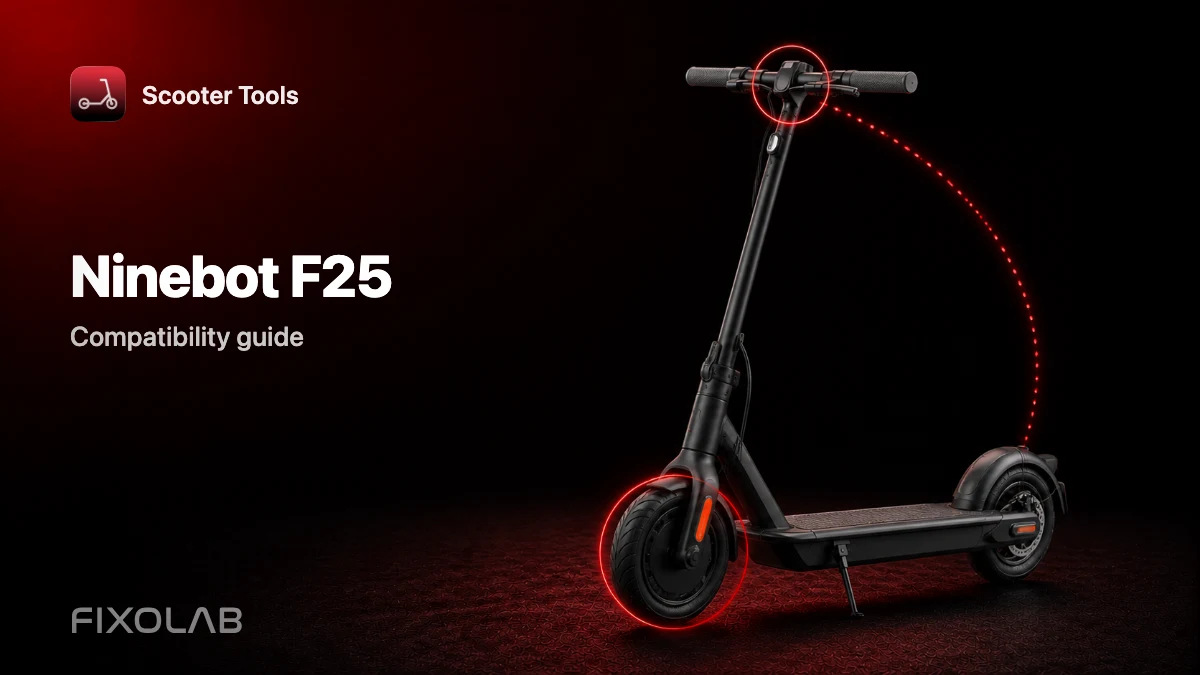
| FixoLab
Ninebot F25 Compatibility With Scooter Tools
See if the Ninebot F25 works with Scooter Tools on Official firmware, and what you can monitor once connected.