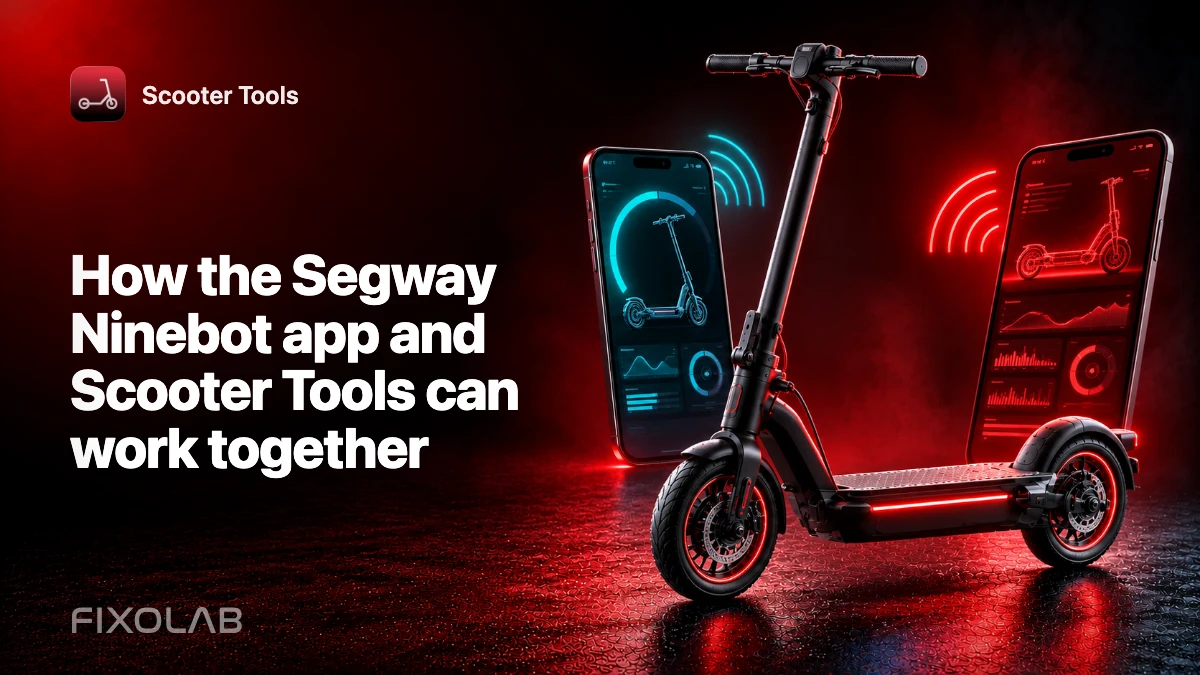
How the Segway Ninebot app and Scooter Tools can work together
The Segway or Ninebot official app remains important for activation, account and approved device management. Scooter Tools adds a separate local monitoring experience where the exact model is supported.
Scooter Tools can show supported local Bluetooth telemetry and trip context. It does not flash firmware, bypass ownership, certify a repair or replace the scooter manufacturer’s safety instructions.
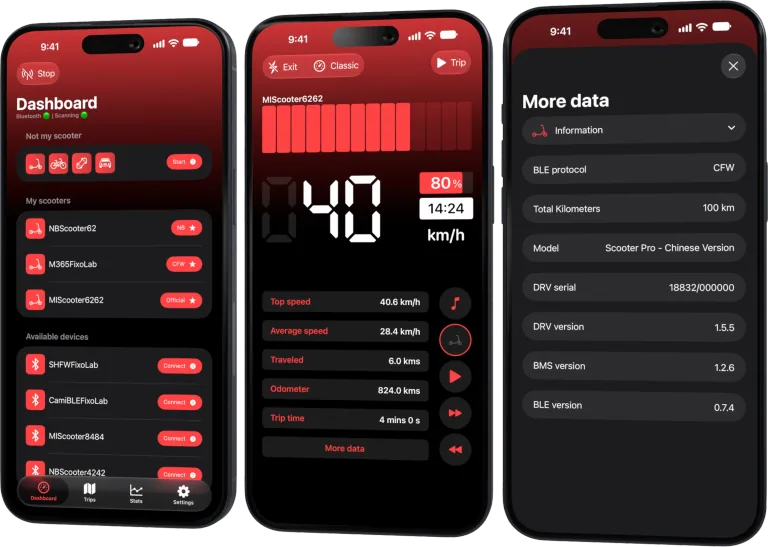
Your Xiaomi and Ninebot scooter dashboard
Monitor speed, battery, mileage, temperature and routes in real time, with support for official and custom firmware
Available on Android, iPhone, iPad and Mac, with iCloud sync on Apple devices
Keep the official account binding
Use the official app for binding, warranty-related records, sanctioned settings and firmware. Do not remove account ownership merely to test another dashboard.
Check model-specific support
Ninebot families can use different protocols and authentication. Confirm the exact model and region rather than relying on a similar product name.
Switch apps cleanly
Disconnect or close the official app before scanning in Scooter Tools. Keep other phones away during diagnosis and avoid repeated overlapping connection attempts.
Separate monitoring from modification
Scooter Tools reads supported telemetry and records trips; it does not install custom firmware. Firmware tools and their risks are outside its scope.
Safe review checklist
- Finish official activation.
- Verify the exact compatibility entry.
- Close the active official connection.
- Connect locally in Scooter Tools.
Frequently asked questions
Will using Scooter Tools unbind the scooter?
Normal monitoring should not replace the official ownership binding.
Why does discovery fail after using the official app?
Its Bluetooth session may still own the connection.
Can Scooter Tools update Ninebot firmware?
No. Use the official provider process for approved updates.
Your Xiaomi and Ninebot scooter dashboard
Monitor speed, battery, mileage, temperature and routes in real time, with support for official and custom firmware
Available on Android, iPhone, iPad and Mac, with iCloud sync on Apple devices
| FixoLab
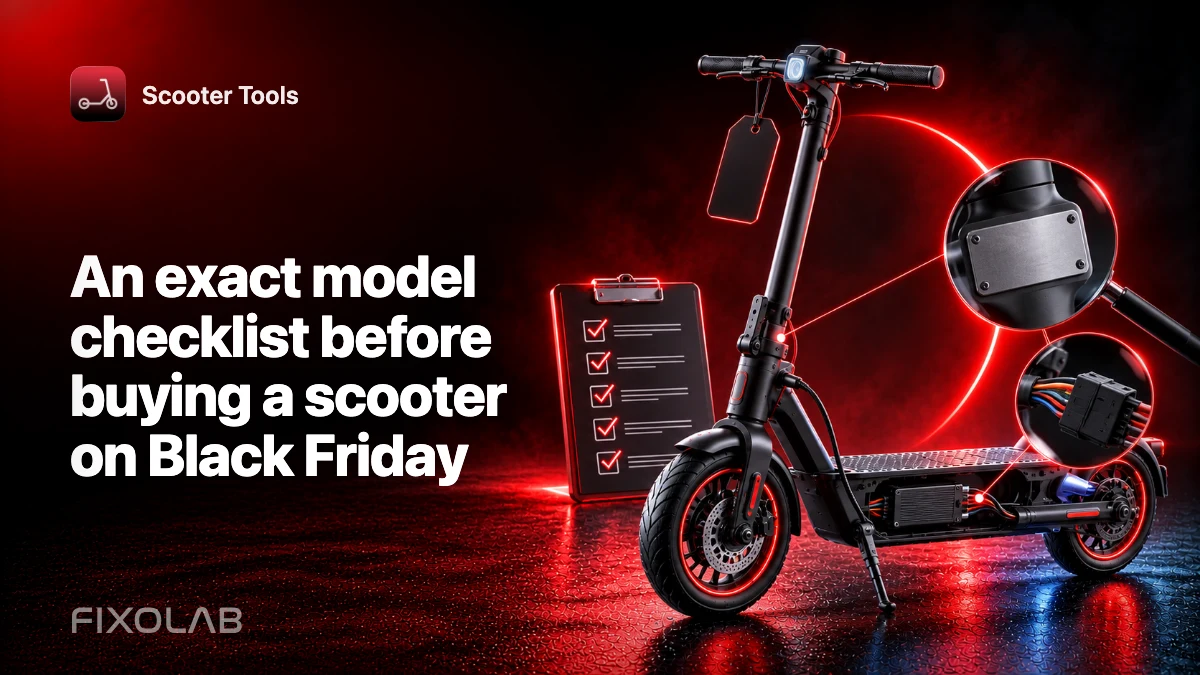
An exact model checklist before buying a scooter on Black Friday
Verify identity, support, charger, warranty and real use needs before choosing a discounted electric scooter.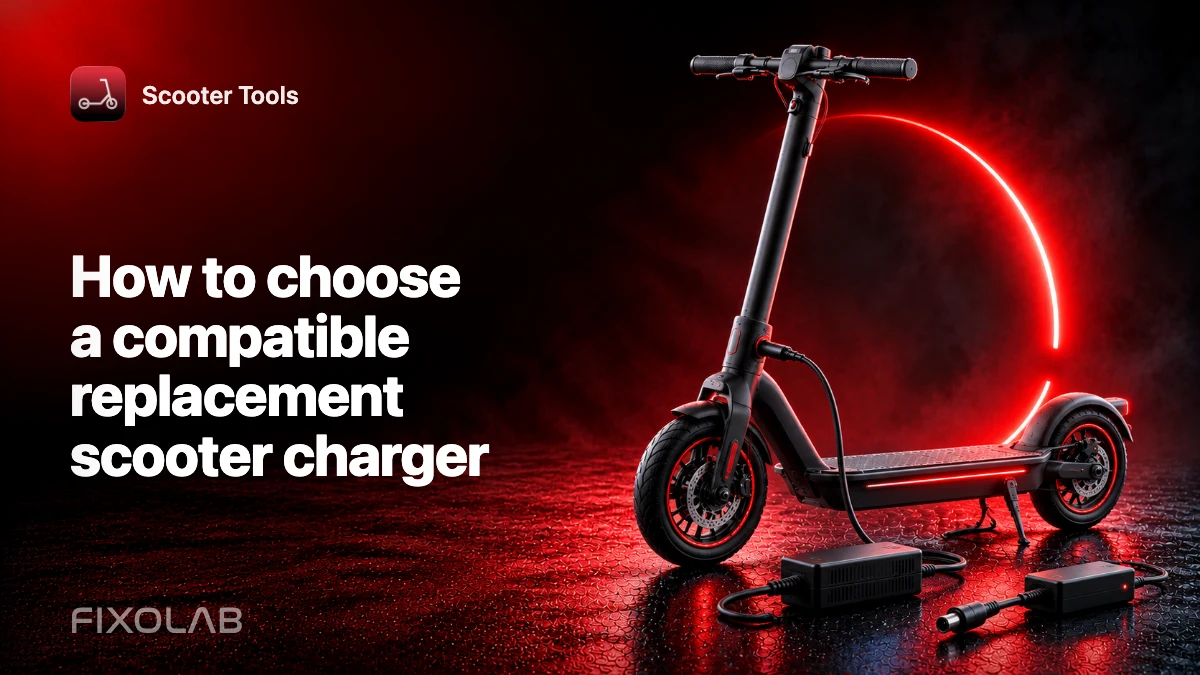
| FixoLab
How to choose a compatible replacement scooter charger
Verify voltage, connector, polarity, current and manufacturer approval before replacing an electric scooter charger.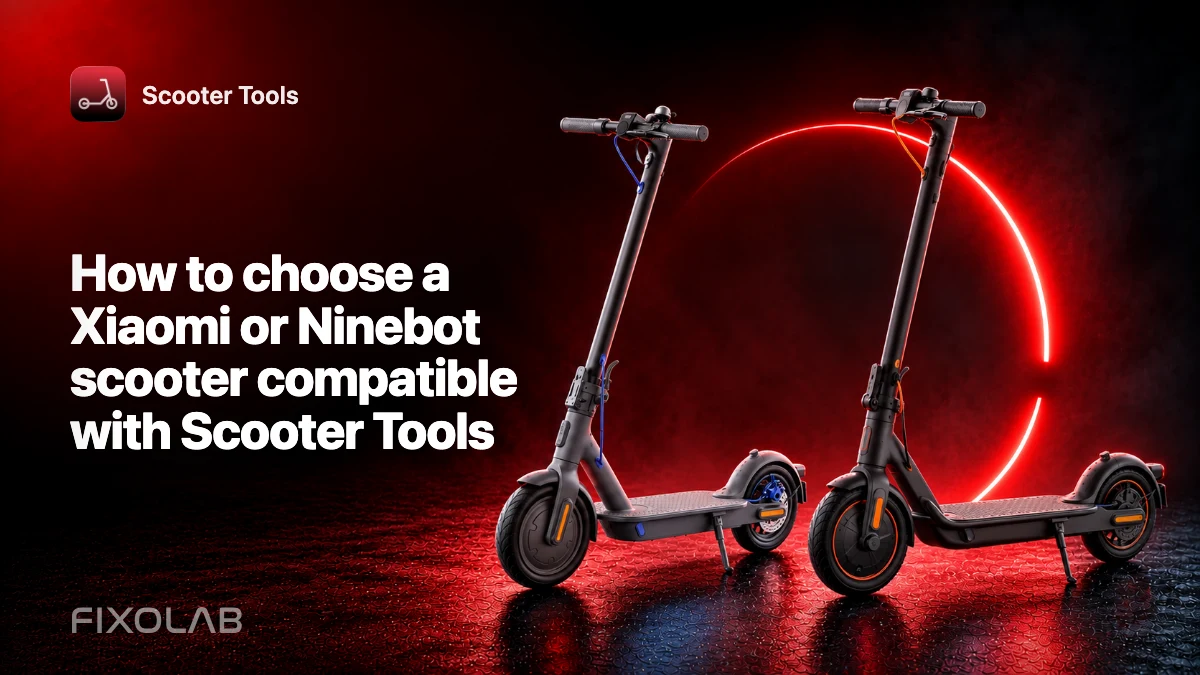
| FixoLab
How to choose a Xiaomi or Ninebot scooter compatible with Scooter Tools
Check exact model, region, firmware and platform support before buying a Xiaomi or Ninebot scooter for use with Scooter Tools.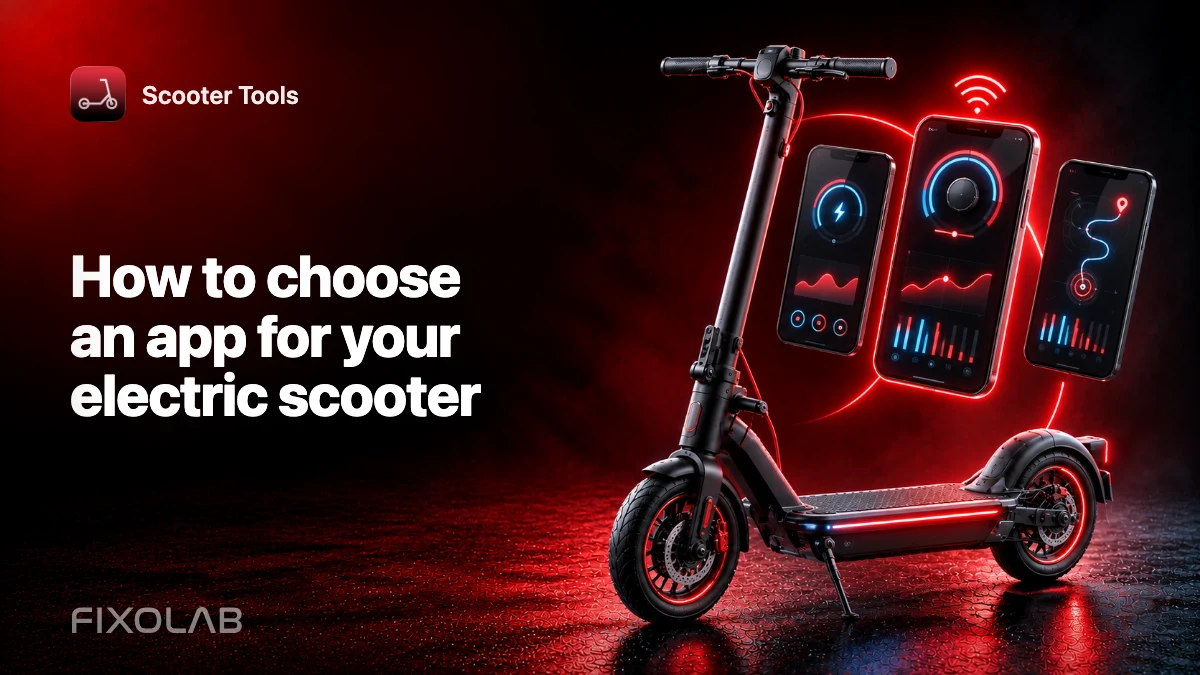
| FixoLab
How to choose an app for your electric scooter
Compare the manufacturer app with local Bluetooth monitoring, trip records and support for your exact model.