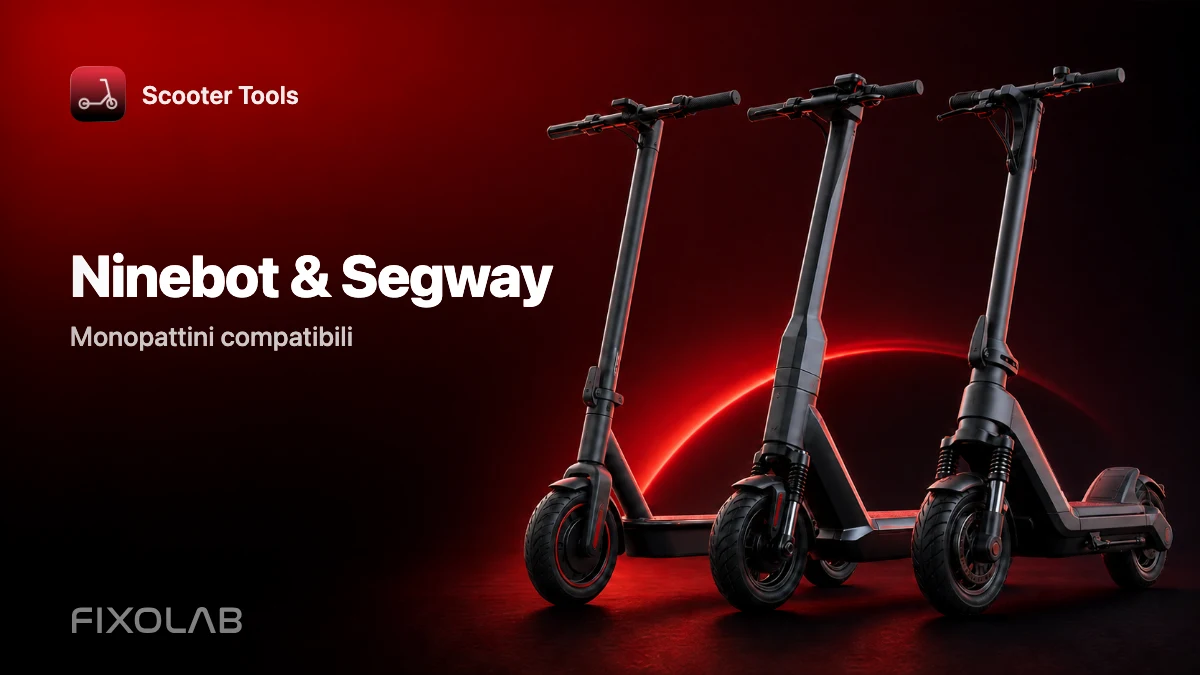
Monopattini Ninebot Segway compatibili con Scooter Tools
Compatibilità
Scooter Tools funziona con il tuo monopattino Ninebot o Segway?
Sì, per i modelli Ninebot verificati qui sotto. Scooter Tools si connette via Bluetooth e mostra una dashboard in tempo reale con velocità, batteria e dati di viaggio, lo stesso approccio di monitoraggio usato per i monopattini Xiaomi, senza account cloud.
Cosa ti serve
- Uno dei modelli Ninebot compatibili elencati sotto
- Bluetooth attivo e permesso di localizzazione concesso sul telefono
- Scooter Tools installato su iOS o Android
- Il monopattino acceso e nel raggio del Bluetooth
Connettiti in meno di un minuto
- 1
Apri Scooter Tools e avvia una scansione
L'app elenca ogni monopattino compatibile trovato nelle vicinanze via Bluetooth.
- 2
Seleziona il tuo monopattino Ninebot
I modelli compatibili vengono riconosciuti automaticamente non appena rispondono alla scansione.
- 3
Conferma l'accoppiamento sul monopattino, se richiesto
Alcuni modelli richiedono una conferma una tantum direttamente sul monopattino.
- 4
Consulta la tua dashboard in tempo reale
Velocità, batteria, autonomia stimata, modalità di guida e storico dei viaggi si aggiornano in tempo reale.
Modelli Ninebot compatibili
Modelli verificati a marchio Ninebot e Segway.
| Modello |
|---|
| Ninebot Max G30 (venduto anche come Segway Max G30) |
| Ninebot F20 |
| Ninebot F25 |
| Ninebot F30 |
| Ninebot F40 |
Cosa puoi vedere una volta connesso
- Velocità in tempo reale, percentuale batteria e autonomia stimata
- Modalità di guida e storico completo dei viaggi
- Dettagli firmware usati per confermare la compatibilità
- Una dashboard che funziona senza account Ninebot/Segway
Cosa non fa Scooter Tools
- Non sblocca i limiti di velocità né modifica il firmware: legge solo ciò che il monopattino già riporta
- Non richiede né utilizza un account cloud per funzionare
- I modelli o le versioni firmware molto recenti potrebbero non essere ancora verificati
Risoluzione dei problemi
Il mio Ninebot non compare nella scansione
Verifica che i permessi Bluetooth e di localizzazione siano concessi, che il monopattino sia acceso e che tu sia a pochi metri di distanza. Controlla la tabella di compatibilità per il tuo modello esatto.
Da me viene venduto come Segway: fa differenza?
No. Segway e Ninebot marchiano lo stesso hardware in modo diverso a seconda del mercato; la compatibilità dipende dal modello e dal firmware, non dal nome stampato sulla pedana.
Solo locale, per progettazione
La connessione tra Scooter Tools e il tuo monopattino è un collegamento Bluetooth diretto tra il telefono e il veicolo. Per funzionare non viene inviato nulla a un server, e l'app non invia mai comandi che modificano i limiti di velocità o le impostazioni del monopattino.
Domande frequenti
Devo avere installata anche l'app Ninebot o Segway?
No, Scooter Tools funziona in modo indipendente e non richiede l'app del produttore.
La compatibilità cambia tra il marchio Ninebot e quello Segway?
No, conta il modello e il firmware sottostanti, non il nome del marchio sul monopattino.
Funziona sia su iOS che su Android?
Sì, Scooter Tools è disponibile su entrambe le piattaforme con la stessa dashboard principale.
Guarda la tabella di compatibilità completa
Controlla ogni modello verificato, combinazione firmware e limitazione attuale.
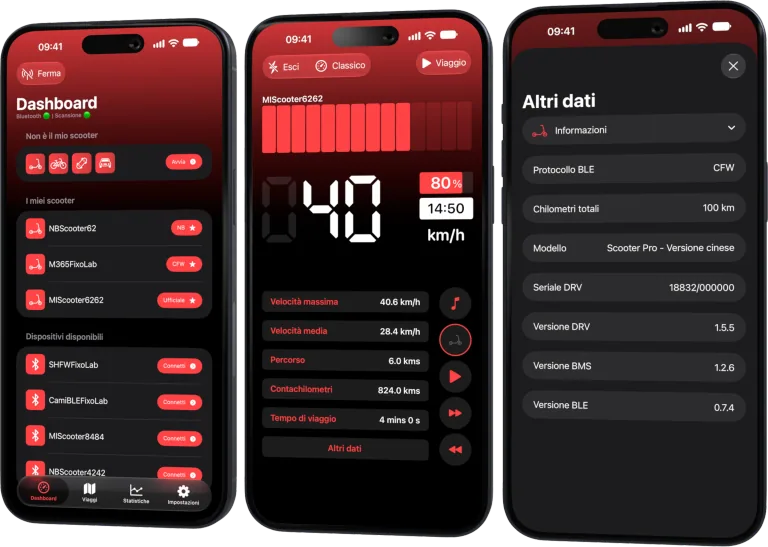
La dashboard per il tuo monopattino Xiaomi e Ninebot
Monitora velocità, batteria, chilometraggio, temperatura e percorsi in tempo reale con supporto per firmware ufficiali e personalizzati
Disponibile su Android, iPhone, iPad e Mac, con sincronizzazione iCloud sui dispositivi Apple
| FixoLab
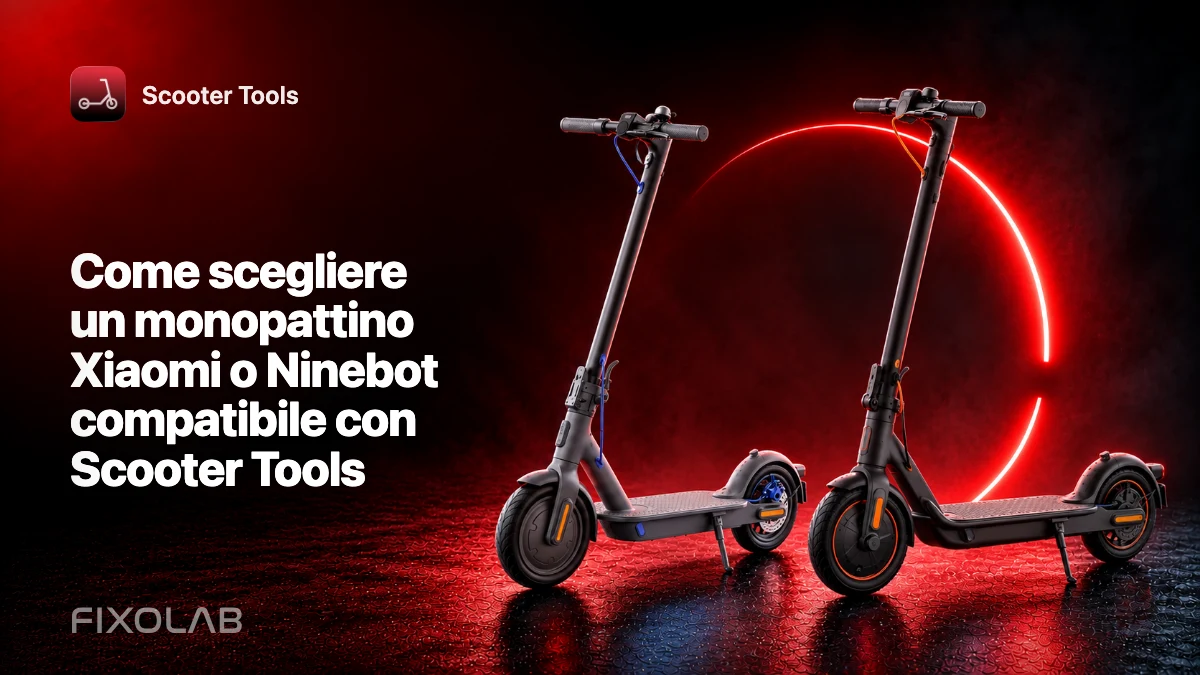
Come scegliere un monopattino Xiaomi o Ninebot compatibile con Scooter Tools
Controlla modello esatto, regione, firmware e supporto della piattaforma prima di acquistare un monopattino Xiaomi o Ninebot da usare con Scooter Tools.
| FixoLab
Domande frequenti sulla compatibilità di Scooter Tools con il tuo monopattino
Risposte alle domande più frequenti dei proprietari sulla connessione di monopattini Xiaomi e Ninebot a Scooter Tools, da account a firmware fino alle differenze di piattaforma.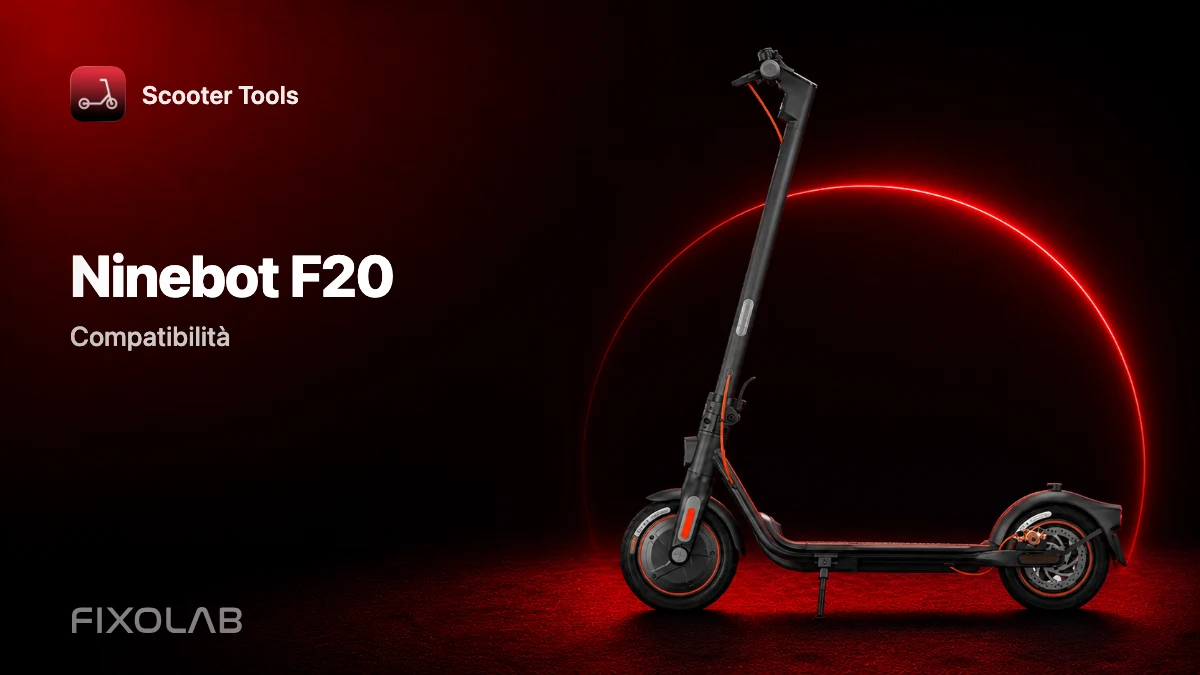
| FixoLab
Compatibilità del Ninebot F20 con Scooter Tools
Scopri se il Ninebot F20 funziona con Scooter Tools su firmware Official, e cosa puoi monitorare una volta connesso.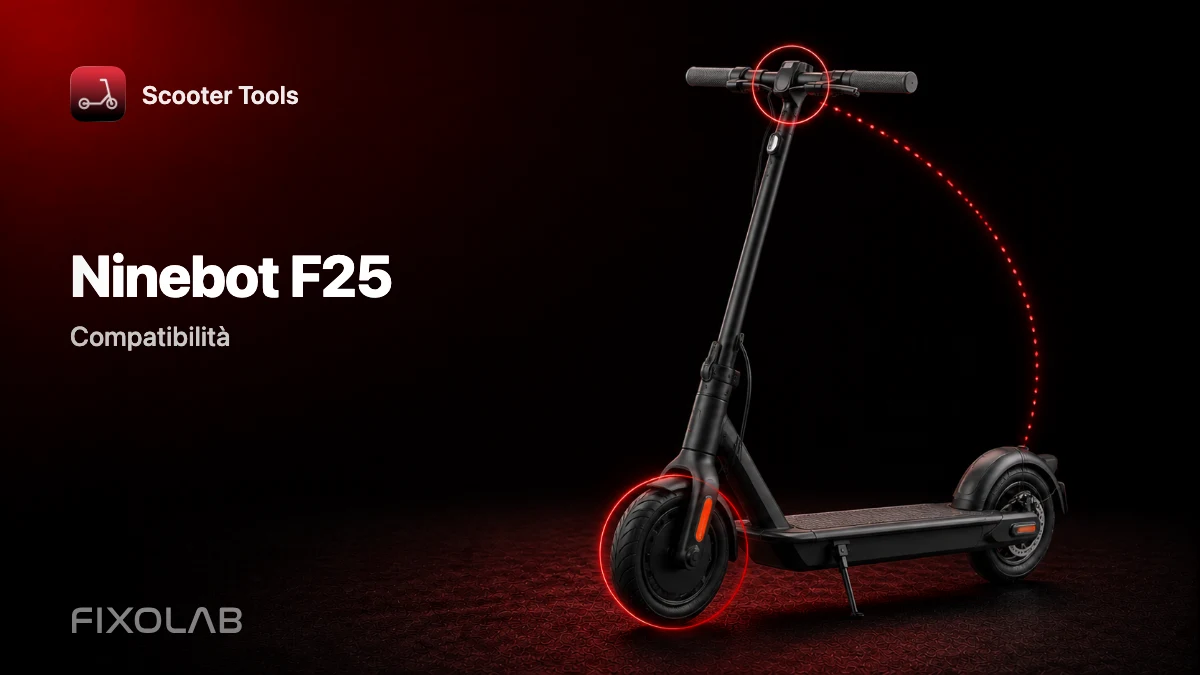
| FixoLab
Compatibilità del Ninebot F25 con Scooter Tools
Scopri se il Ninebot F25 funziona con Scooter Tools su firmware Official, e cosa puoi monitorare una volta connesso.